
Best Free Password Managers in 2026
Bitwarden is the best free password manager in 2026, with unlimited passwords on unlimited devices. NordPass Free is easiest and KeePass is best offline.
Our reviews are independent. When you buy through links on this page we may earn a commission, which never changes our rankings. Read our disclosure.
The best free password manager in 2026 is Bitwarden, which gives you unlimited passwords on unlimited devices at no cost. NordPass Free is the easiest to use, KeePass is the best fully offline option and Norton Password Manager is completely free from a well-known brand.
Short on time? Here is the best free password manager for most people:
Bitwarden Free (best free password manager): unlimited passwords on unlimited devices for free, with open-source code audited every year.
A free password manager is one of the simplest ways to improve your online security. Every free option here encrypts your passwords before they leave your device. We also include the best paid upgrades for when you need more. Details were checked in November 2026.
Quick summary of the best free password managers in 2026
Bitwarden Free
1. Bitwarden Free: Best free password manager
Unlimited passwords on unlimited devices, open-source and audited.

2. NordPass Free: Easiest free password manager
Clean and simple, with modern encryption, but one active device at a time.
KeePass
3. KeePass: Best free offline password manager
Totally free and open source, with a local database you control.

4. Norton Password Manager: Best free option from a big brand
Completely free with a simple safety dashboard.
Avira Password Manager
5. Avira Password Manager: Best free option for beginners
Very simple free password manager with unlimited passwords.
See numbers 6 to 9 of the best free password managers
LogMeOnce
6. LogMeOnce: Best free plan with extras
Free plan with passwordless login options, supported by ads.
Keeper
7. Keeper: Best paid upgrade for security
Zero-knowledge security with a limited free mobile tier.

8. 1Password: Best premium alternative
No free plan, but the best password manager overall if you will pay.

9. Bitdefender Password Manager: Best low-cost paid option
Simple, secure and inexpensive once a free plan is not enough.
Best free password managers compared
How the 9 picks compare on the details that matter most.
| Product | Free plan | Free limits | Paid upgrade |
|---|---|---|---|
| Bitwarden Free | Yes | No limit on passwords or devices | Premium at a very low yearly price |
| NordPass Free | Yes | Unlimited passwords, one active device session at a time | Premium from about $2/mo |
| KeePass | Yes, fully free | None, open source | None needed |
| Norton Password Manager | Yes, fully free | Basic features only | None |
| Avira Password Manager | Yes | Unlimited passwords; alerts on Pro | Avira Password Manager Pro |
| LogMeOnce | Yes, ad-supported | Ads, some features limited | Low monthly price |
| Keeper | Limited free mobile plan | Very limited | About $3/mo (yearly) |
| 1Password | No, 14-day free trial | Trial only | About $3/mo (yearly) |
| Bitdefender Password Manager | No, free trial | Trial only | Low yearly price |
1. Bitwarden Free: Best free password manager
Bitwarden Free
| Free plan | Yes |
| Free limits | No limit on passwords or devices |
| Paid upgrade | Premium at a very low yearly price |
| Platforms | Windows, macOS, Linux, iOS, Android, browsers |
bitwarden.com
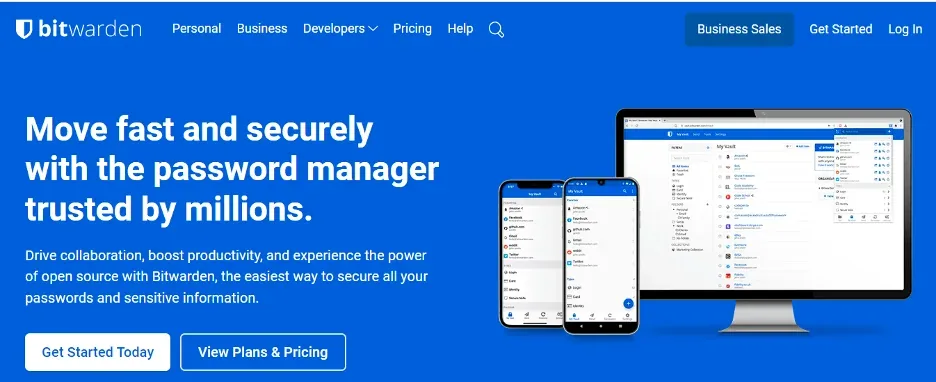
Bitwarden’s free plan is the most generous anywhere: unlimited passwords, unlimited devices, sync, a password generator and secure notes. Its code is open source and audited every year.
Premium is optional and adds encrypted attachments, an authenticator and security reports.
Bitwarden Free key features
- Unlimited passwords and devices free.
- Open-source, audited code.
- Passkey support.
- Bitwarden Send for sharing.
Pros
- Most generous free plan
- Transparent security
- Works everywhere
Cons
- Plainer design
- Some features need Premium
Our verdict: The free password manager we recommend to everyone.
2. NordPass Free: Easiest free password manager
| Free plan | Yes |
| Free limits | Unlimited passwords, one active device session at a time |
| Paid upgrade | Premium from about $2/mo |
| Platforms | Windows, macOS, Linux, iOS, Android, browsers |
nordpass.com
NordPass Free is the easiest free option to start with. It stores unlimited passwords and uses modern XChaCha20 encryption.
The catch: you can only be logged in on one device at a time, which is fine if you mostly use one computer.
NordPass Free key features
- Unlimited passwords.
- XChaCha20 encryption.
- Simple autofill.
Pros
- Very easy
- Modern security
- Clean apps
Cons
- One active device at a time
- Breach scanner is Premium
Our verdict: Best free pick for beginners who use one main device.
3. KeePass: Best free offline password manager
KeePass
| Free plan | Yes, fully free |
| Free limits | None, open source |
| Paid upgrade | None needed |
| Platforms | Windows (KeePassXC for macOS and Linux) |
keepass.info
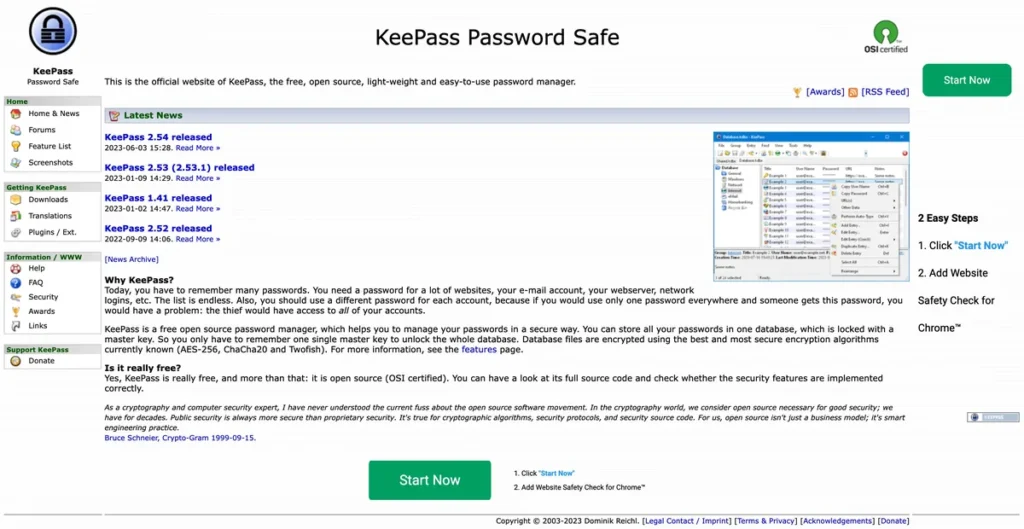
KeePass is completely free and open source. Your encrypted database stays on your device, and you can sync it yourself with any cloud drive.
It needs more setup than the others, but nothing is ever stored on someone else’s server unless you choose to.
KeePass key features
- Local encrypted database.
- Plugins.
- KeePassXC for Mac and Linux.
Pros
- Totally free
- Full control
- Open source
Cons
- Manual sync
- Less polished
Our verdict: Best for people who want full control and no cloud.
4. Norton Password Manager: Best free option from a big brand
| Free plan | Yes, fully free |
| Free limits | Basic features only |
| Paid upgrade | None |
| Platforms | Windows, macOS, iOS, Android, browsers |
us.norton.com
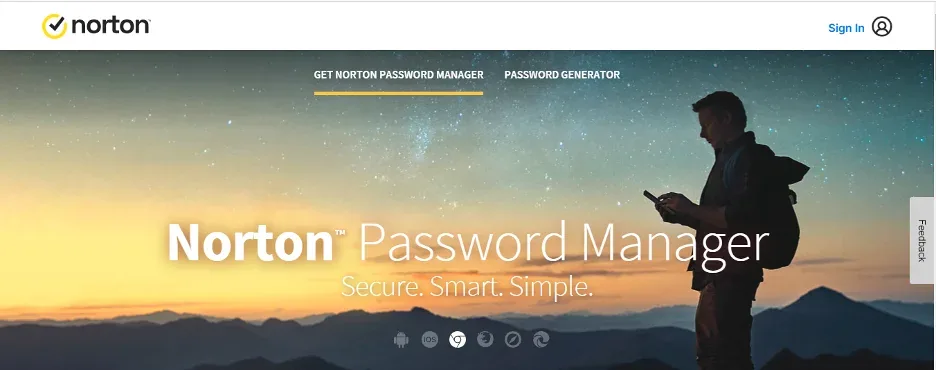
Norton Password Manager is free with no premium tier. It stores, generates and fills passwords across devices and shows a safety dashboard.
It is basic, but dependable.
Norton Password Manager key features
- Free across devices.
- Safety dashboard.
- Password generator.
Pros
- Totally free
- Simple
- Trusted brand
Cons
- Basic features
- No secure sharing
Our verdict: A good free pick if you trust Norton.
5. Avira Password Manager: Best free option for beginners
Avira Password Manager
| Free plan | Yes |
| Free limits | Unlimited passwords; alerts on Pro |
| Paid upgrade | Avira Password Manager Pro |
| Platforms | Windows, macOS, iOS, Android, browsers |
www.avira.com
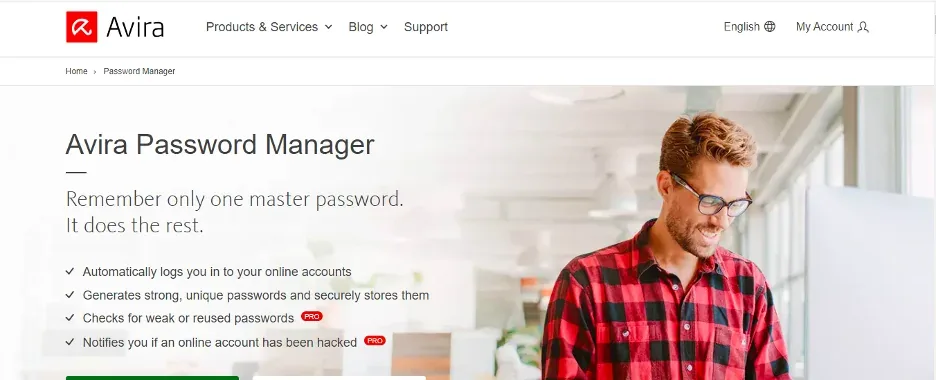
Avira’s free password manager is very simple to set up and use, with unlimited passwords and sync.
Pro adds security status alerts and breach checks.
Avira Password Manager key features
- Unlimited passwords.
- Simple extension.
- Mobile apps.
Pros
- Easy
- Free
- Clean
Cons
- Basic
- Alerts need Pro
Our verdict: Good for helping relatives get started.
6. LogMeOnce: Best free plan with extras
LogMeOnce
| Free plan | Yes, ad-supported |
| Free limits | Ads, some features limited |
| Paid upgrade | Low monthly price |
| Platforms | Windows, macOS, Linux, iOS, Android, browsers |
www.logmeonce.com
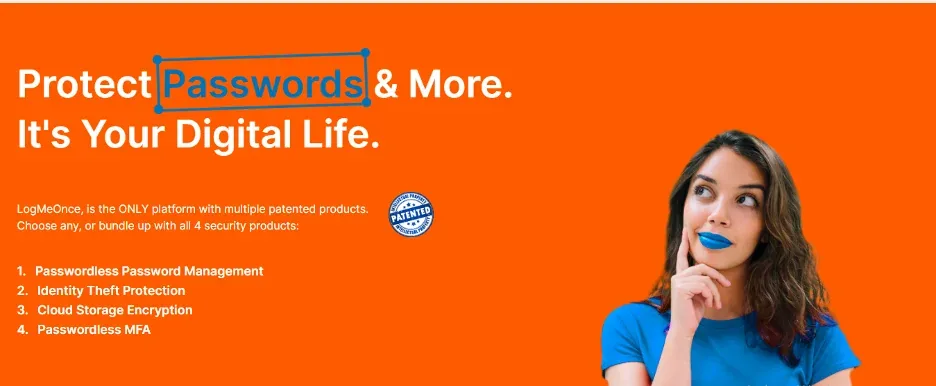
LogMeOnce’s free plan includes unusual extras such as passwordless and photo-based login. It is supported by ads.
The interface is busy, but there is a lot to explore.
LogMeOnce key features
- Passwordless login.
- Unlimited passwords.
- Mobile apps.
Pros
- Lots of features
- Free plan
- Flexible login
Cons
- Ads
- Busy interface
Our verdict: For people who like extras and do not mind ads.
7. Keeper: Best paid upgrade for security
Keeper
| Free plan | Limited free mobile plan |
| Free limits | Very limited |
| Paid upgrade | About $3/mo (yearly) |
| Platforms | Windows, macOS, Linux, iOS, Android, browsers |
www.keepersecurity.com
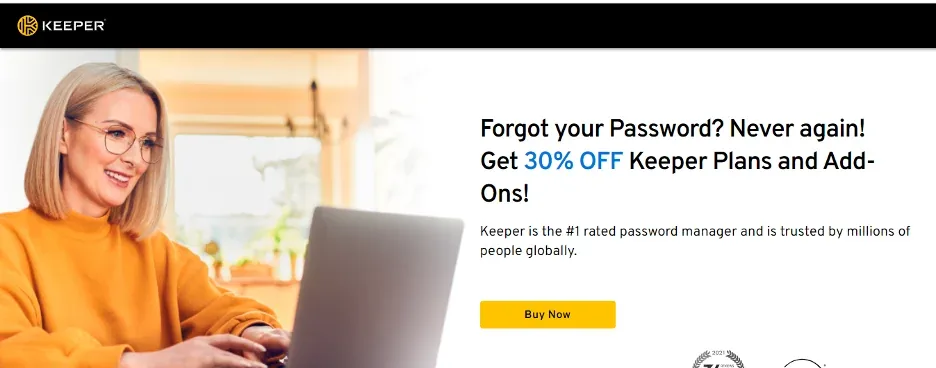
Keeper’s free tier is limited, but its paid plan is one of the most secure options available, with zero-knowledge encryption and strong certifications.
Consider it when you are ready to pay for stronger protection.
Keeper key features
- Zero-knowledge encryption.
- BreachWatch.
- Secure file storage add-on.
Pros
- Excellent security
- Fast apps
- Good support
Cons
- Free plan is very limited
- Add-ons cost extra
Our verdict: A strong paid step up from free options.
8. 1Password: Best premium alternative
| Free plan | No, 14-day free trial |
| Free limits | Trial only |
| Paid upgrade | About $3/mo (yearly) |
| Platforms | Windows, macOS, Linux, iOS, Android, browsers |
1password.com
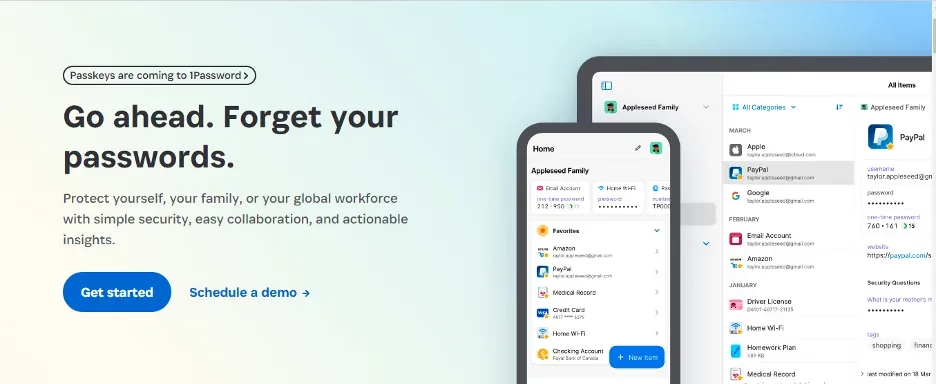
1Password does not have a free plan, but it is our top password manager overall. If a free plan is not enough, it is the best upgrade, especially for families.
Use the free trial to see if it is worth it.
1Password key features
- Secret Key protection.
- Watchtower alerts.
- Travel Mode.
Pros
- Best apps
- Excellent security
- Great family plan
Cons
- No free plan
- Higher price than Bitwarden Premium
Our verdict: The best paid option if you outgrow free.
9. Bitdefender Password Manager: Best low-cost paid option
| Free plan | No, free trial |
| Free limits | Trial only |
| Paid upgrade | Low yearly price |
| Platforms | Windows, macOS, Linux, iOS, Android, browsers |
www.bitdefender.com
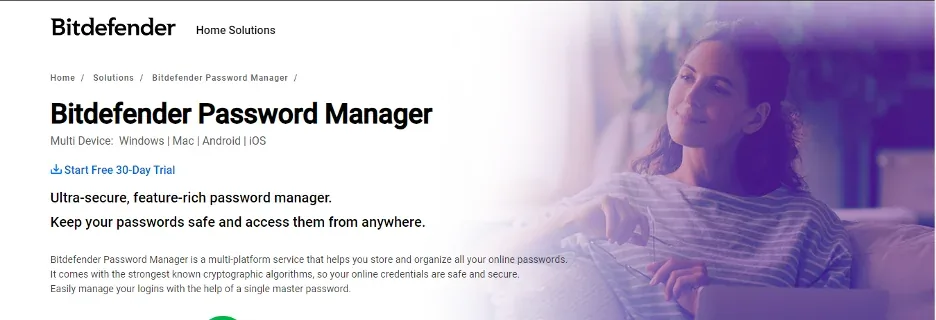
Bitdefender Password Manager has no free plan but costs very little. It is simple and secure and suits individuals.
It is a sensible paid choice if you already use Bitdefender antivirus.
Bitdefender Password Manager key features
- Breach and strength reports.
- Cross-device sync.
Pros
- Low price
- Easy
- Trusted brand
Cons
- No free plan
- Fewer features
Our verdict: A budget paid option.
Free vs premium password managers
| Good free plan | Premium plan | |
|---|---|---|
| Passwords | Unlimited on most | Unlimited |
| Devices | Unlimited on Bitwarden; limited on some | Unlimited |
| Breach alerts | Basic or none | Yes |
| Secure sharing and family plans | Limited | Yes |
| Cost | $0 | About $1 to $5 a month |
For most people Bitwarden Free is all you need. Upgrade if you want breach alerts, family sharing or encrypted file storage. See our full ranking of the best password managers.
Frequently asked questions
Is a free password manager safe?
Yes, if it is from a reputable company with zero-knowledge encryption and independent audits, such as Bitwarden. Use a strong master password and turn on two-factor authentication.
What is the catch with free password managers?
Usually a limit: one device at a time, fewer features or ads. Bitwarden’s free plan has the fewest limits.
Can I move from a free to a paid password manager later?
Yes. Most password managers can import a CSV export from others, so switching takes a few minutes.
Final thoughts
Bitwarden is the best free password manager in 2026 and enough for most people. Choose NordPass Free for simplicity or KeePass for full offline control, and upgrade to 1Password if you want the best premium experience.