
Best Password Managers in 2026: Safest, Easiest and Cheapest
1Password is the best password manager for most people in 2026, Bitwarden is the best free and budget pick, and NordPass is the easiest to use.
Our reviews are independent. When you buy through links on this page we may earn a commission, which never changes our rankings. Read our disclosure.
The best password manager for most people in 2026 is 1Password, with polished apps and an extra Secret Key protecting your vault. Bitwarden is the best free and budget choice, NordPass is the easiest to use, and Dashlane has the smoothest autofill. We compared 15 password managers on security, ease of use, features and price.
Short on time? Here is the best password manager for most people:
1Password (best password manager overall): a Secret Key on top of your master password, Watchtower breach alerts and the most polished apps.
Reused passwords remain one of the most common ways accounts get hacked. A password manager creates a strong, unique password for every site and fills it in for you, so you only remember one. Many now support passkeys too. Prices were checked in November 2026.
Quick summary of the best password managers in 2026

1. 1Password: Best password manager overall
Polished apps, Watchtower breach alerts, Travel Mode and strong passkey support.
Bitwarden
2. Bitwarden: Best free and open-source password manager
Unlimited passwords on unlimited devices for free, with open-source, audited code.

3. NordPass: Easiest password manager to use
Clean, beginner-friendly apps from the makers of NordVPN.
Dashlane
4. Dashlane: Best for extra features
Phishing alerts, dark web monitoring and very smooth autofill.
Keeper
5. Keeper: Best zero-knowledge security
Zero-knowledge architecture with strong compliance credentials and secure file storage.
See numbers 6 to 15 of the best password managers
RoboForm
6. RoboForm: Best for filling web forms
Industry-leading form filler for addresses, cards and long sign-up forms.

7. Bitdefender Password Manager: Best for individuals
Simple, secure password manager from a top antivirus company.

8. Norton Password Manager: Best completely free basic option
A completely free password manager with a safety dashboard.
Enpass
9. Enpass: Best for offline storage
Stores your vault locally or in your own cloud, with a one-time purchase option.
KeePass
10. KeePass: Best for self-customization
Free, open-source and endlessly customizable with plugins.
Zoho Vault
11. Zoho Vault: Best for advanced and team users
Fine-grained sharing and admin controls, plus a free personal plan.
ESET Password Manager
12. ESET Password Manager: Best for unique password generation
A capable password manager included with ESET’s security suites.
Avira Password Manager
13. Avira Password Manager: Best for non-technical users
Very simple free password manager with a clear security status.
LogMeOnce
14. LogMeOnce: Best for extras
Lots of extras such as passwordless login and anti-theft tools.
LastPass
15. LastPass: Familiar option, with caveats
Easy to use, but its 2022 breach means we now rank it last.
Best password managers compared
How the 15 picks compare on the details that matter most.
| Product | Best for | Starting price | Free plan |
|---|---|---|---|
| 1Password | Most people and families | About $3/mo (billed yearly) | No, 14-day trial |
| Bitwarden | Free use and value | Free; Premium at a very low yearly price | Yes, unlimited passwords and devices |
| NordPass | Beginners | Premium from about $2/mo | Yes, one active device at a time |
| Dashlane | Feature lovers | About $5/mo (Premium, yearly) | No, trial |
| Keeper | Security-focused users | About $3/mo (yearly) | Limited free mobile plan |
| RoboForm | Form filling | Low yearly price | Yes, unlimited passwords on one device |
| Bitdefender Password Manager | Individuals | Low yearly price | No, trial |
| Norton Password Manager | Free basics | Free | Yes, fully free |
| Enpass | Offline control | Yearly or one-time lifetime option | Yes, desktop free; mobile limited |
| KeePass | Tech-savvy users | Free and open source | Yes, fully free |
| Zoho Vault | Teams and power users | Low per-user price for teams | Yes, personal free plan |
| ESET Password Manager | ESET users | Included in ESET Home Security plans | No |
| Avira Password Manager | Non-technical users | Free; Pro available | Yes |
| LogMeOnce | Extras | Low monthly price | Yes, with ads |
| LastPass | Existing users | About $3/mo (Premium) | Yes, one device type |
1. 1Password: Best password manager overall
| Best for | Most people and families |
| Starting price | About $3/mo (billed yearly) |
| Free plan | No, 14-day trial |
| Platforms | Windows, macOS, Linux, iOS, Android, browsers |
| Extra security | Secret Key plus 2FA, passkeys |
1password.com
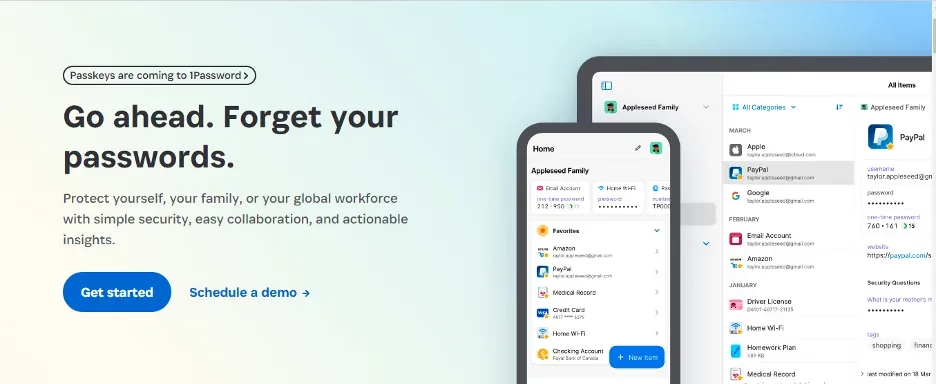
1Password combines strong security with the most polished apps. Your vault is protected by your master password plus a unique Secret Key, so a stolen password alone cannot open it.
Watchtower flags weak, reused and breached passwords, Travel Mode hides sensitive vaults when you cross borders, and passkey support is excellent.
1Password key features
- Secret Key adds a second layer to encryption.
- Watchtower breach and weak-password alerts.
- Travel Mode.
- Passkeys across devices.
Pros
- Best-designed apps
- Excellent security model
- Great family plan
Cons
- No free plan
- Costs more than Bitwarden
Our verdict: The best password manager for most people and families.
2. Bitwarden: Best free and open-source password manager
Bitwarden
| Best for | Free use and value |
| Starting price | Free; Premium at a very low yearly price |
| Free plan | Yes, unlimited passwords and devices |
| Platforms | Windows, macOS, Linux, iOS, Android, browsers |
| Extra security | 2FA, passkeys, self-hosting option |
bitwarden.com
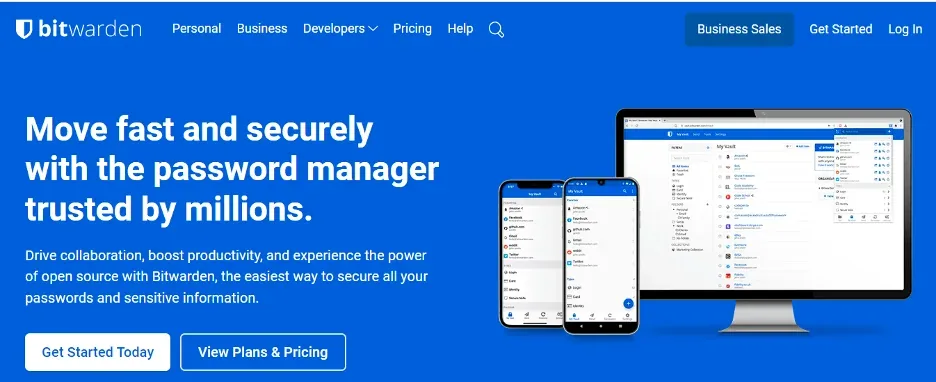
Bitwarden is the best value in password management. The free plan gives unlimited passwords on unlimited devices, its code is open source and it is independently audited every year.
Premium adds encrypted file attachments, a TOTP authenticator and security reports for a very low yearly fee.
Bitwarden key features
- Unlimited free passwords and devices.
- Open-source and audited.
- Self-hosting option.
- Bitwarden Send for secure sharing.
Pros
- Best free plan
- Very low Premium price
- Transparent security
Cons
- Interface is plainer than 1Password
- Autofill can be less smooth
Our verdict: The best choice on a budget and the best free password manager.
3. NordPass: Easiest password manager to use
| Best for | Beginners |
| Starting price | Premium from about $2/mo |
| Free plan | Yes, one active device at a time |
| Platforms | Windows, macOS, Linux, iOS, Android, browsers |
| Extra security | XChaCha20 encryption, 2FA, passkeys |
nordpass.com
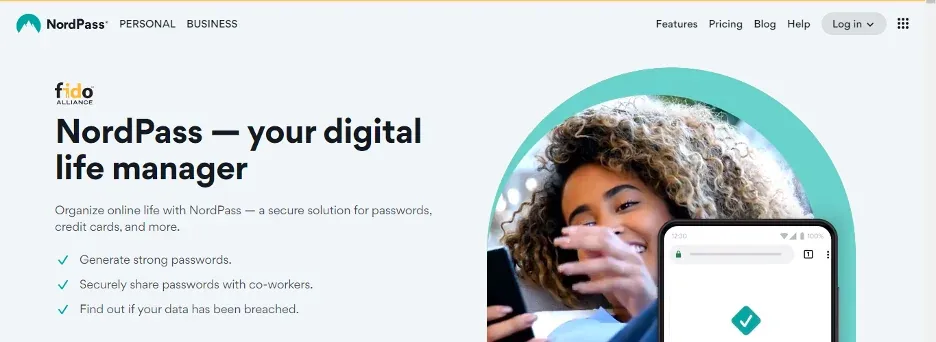
NordPass is our pick for beginners. The apps are uncluttered, autofill is reliable and it uses modern XChaCha20 encryption.
The free plan works but limits you to one active device session at a time; Premium adds multi-device sync and breach scanning.
NordPass key features
- Password Health and Data Breach Scanner.
- Email masking on Premium.
- Passkey support.
Pros
- Very easy to use
- Modern encryption
- Good free plan
Cons
- Free plan is one device at a time
- Fewer advanced options
Our verdict: Best for anyone new to password managers.
4. Dashlane: Best for extra features
Dashlane
| Best for | Feature lovers |
| Starting price | About $5/mo (Premium, yearly) |
| Free plan | No, trial |
| Platforms | Windows, macOS, iOS, Android, browsers |
| Extra security | 2FA, passkeys, phishing alerts |
www.dashlane.com
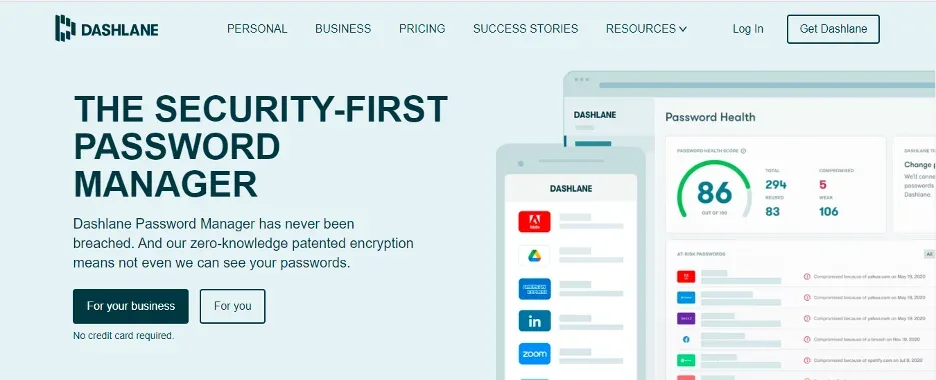
Dashlane focuses on a smooth experience and extra protection. Its autofill is excellent, it warns you about phishing sites and it monitors the dark web for your data.
Dashlane used to bundle a VPN in Premium, which made it popular with VPN users; check current plans, as the bundle has changed over time.
Dashlane key features
- Phishing alerts.
- Dark web monitoring.
- Excellent autofill.
Pros
- Very smooth to use
- Strong extras
- Good security
Cons
- More expensive
- No free plan for individuals
Our verdict: Pick Dashlane if you want the most polished autofill and alerts.
5. Keeper: Best zero-knowledge security
Keeper
| Best for | Security-focused users |
| Starting price | About $3/mo (yearly) |
| Free plan | Limited free mobile plan |
| Platforms | Windows, macOS, Linux, iOS, Android, browsers |
| Extra security | Zero-knowledge, FedRAMP-authorized business edition |
www.keepersecurity.com
Keeper uses a zero-knowledge design and holds strong security certifications, which is why many businesses and government teams use it. Personal plans are just as secure.
Add-ons include encrypted file storage, secure messaging and breach monitoring.
Keeper key features
- Zero-knowledge encryption.
- Secure file storage add-on.
- BreachWatch monitoring.
Pros
- Excellent security credentials
- Fast apps
- Good for business
Cons
- Add-ons cost extra
- Limited free plan
Our verdict: Best if security credentials matter most.
6. RoboForm: Best for filling web forms
RoboForm
| Best for | Form filling |
| Starting price | Low yearly price |
| Free plan | Yes, unlimited passwords on one device |
| Platforms | Windows, macOS, Linux, iOS, Android, browsers |
| Extra security | 2FA, passkeys |
www.roboform.com
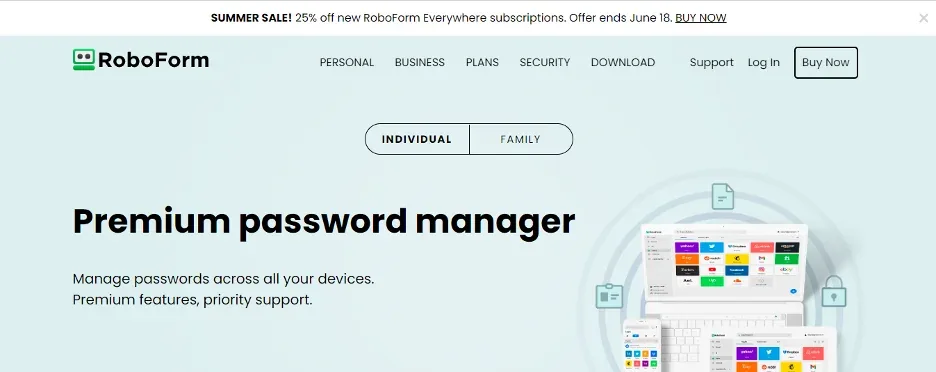
RoboForm has been around for over 20 years and is still the best at filling complex web forms, from shipping addresses to long registration pages.
It is also one of the cheapest premium password managers.
RoboForm key features
- Advanced form filling.
- Password audit.
- Emergency access.
Pros
- Best form filler
- Low price
- Long track record
Cons
- Interface feels dated
- Free plan limited to one device
Our verdict: Great if you fill in a lot of online forms.
7. Bitdefender Password Manager: Best for individuals
| Best for | Individuals |
| Starting price | Low yearly price |
| Free plan | No, trial |
| Platforms | Windows, macOS, Linux, iOS, Android, browsers |
| Extra security | Strong encryption, breach checks |
www.bitdefender.com
Bitdefender Password Manager was our top individual pick before. It is simple, secure and inexpensive, and it fits neatly alongside Bitdefender’s antivirus.
It lacks some advanced features of 1Password and Bitwarden, but covers what most individuals need.
Bitdefender Password Manager key features
- Password strength and breach reports.
- Cross-platform sync.
- Secure notes and cards.
Pros
- Easy to use
- Low price
- Trusted brand
Cons
- Fewer advanced features
- No free plan
Our verdict: A good fit if you already use Bitdefender.
8. Norton Password Manager: Best completely free basic option
| Best for | Free basics |
| Starting price | Free |
| Free plan | Yes, fully free |
| Platforms | Windows, macOS, iOS, Android, browsers |
| Extra security | Vault encryption, safety dashboard |
us.norton.com
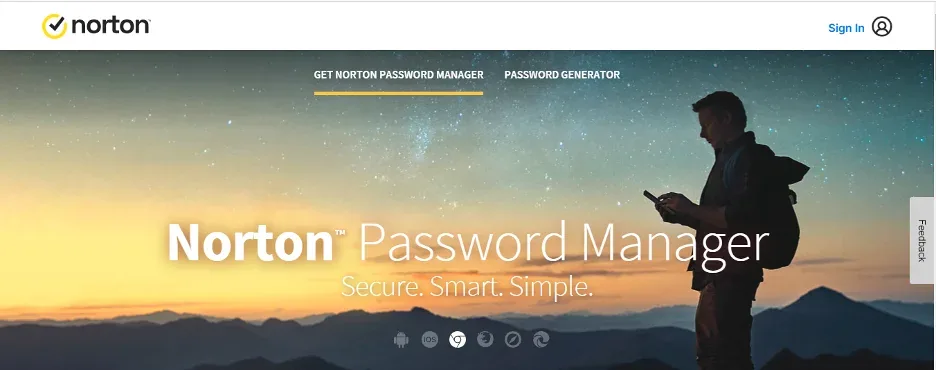
Norton Password Manager is completely free and covers the basics well: storing, generating and autofilling passwords across devices.
It lacks secure sharing and advanced reports, but for many people free and simple is enough.
Norton Password Manager key features
- Free on all devices.
- Safety dashboard.
- Password generator.
Pros
- Totally free
- Simple
- Trusted brand
Cons
- Basic features only
- No secure sharing
Our verdict: A free, no-frills option from a known brand.
9. Enpass: Best for offline storage
Enpass
| Best for | Offline control |
| Starting price | Yearly or one-time lifetime option |
| Free plan | Yes, desktop free; mobile limited |
| Platforms | Windows, macOS, Linux, iOS, Android, browsers |
| Extra security | Local vault, your own cloud sync |
www.enpass.io
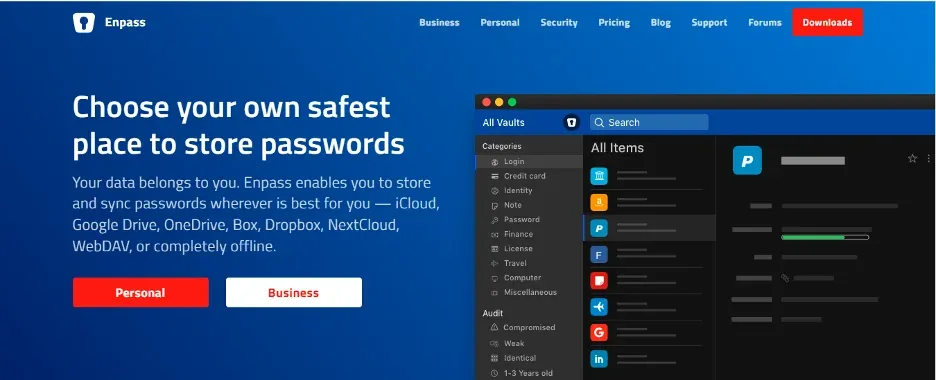
Enpass does not keep your vault on its own servers. Instead it stays on your device or syncs through a cloud you choose, such as iCloud, Google Drive or Dropbox.
It is one of the few password managers you can buy once instead of subscribing.
Enpass key features
- Local or self-chosen cloud storage.
- Lifetime license option.
- Password audit.
Pros
- You control where data lives
- One-time purchase available
- Free desktop use
Cons
- Sync setup takes effort
- Smaller company
Our verdict: Best if you want full control over where your vault is stored.
10. KeePass: Best for self-customization
KeePass
| Best for | Tech-savvy users |
| Starting price | Free and open source |
| Free plan | Yes, fully free |
| Platforms | Windows (KeePassXC for macOS and Linux) |
| Extra security | Local encrypted database, plugins |
keepass.info
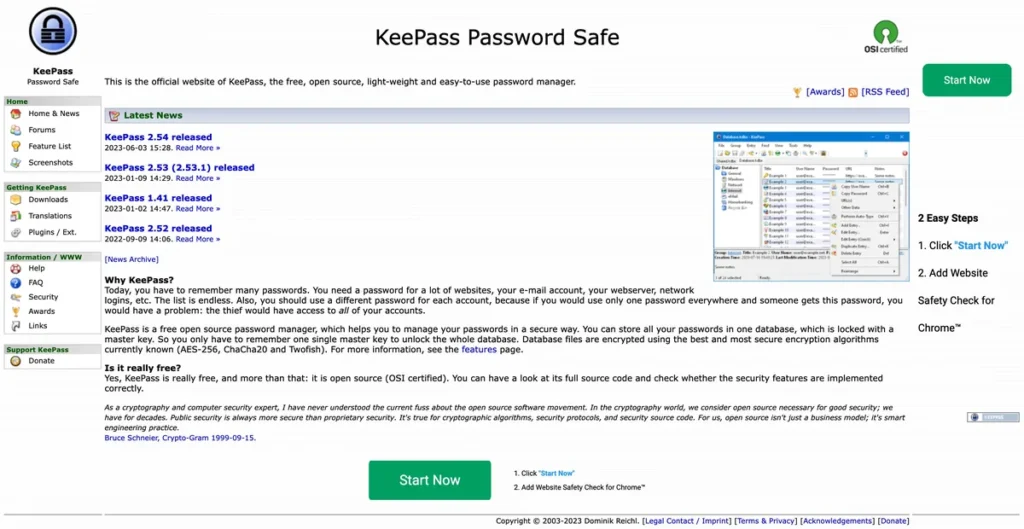
KeePass is a free, open-source classic. Your encrypted database lives on your device and you can extend it with plugins. KeePassXC brings the same format to macOS and Linux.
It takes more setup than commercial apps, and syncing between devices is up to you.
KeePass key features
- Local encrypted database.
- Plugin ecosystem.
- Cross-platform via KeePassXC.
Pros
- Totally free
- Open source
- Full control
Cons
- Manual sync
- Steeper learning curve
Our verdict: Ideal for technical users who want full control.
11. Zoho Vault: Best for advanced and team users
Zoho Vault
| Best for | Teams and power users |
| Starting price | Low per-user price for teams |
| Free plan | Yes, personal free plan |
| Platforms | Windows, macOS, Linux, iOS, Android, browsers |
| Extra security | Role-based access, audit logs |
www.zoho.com
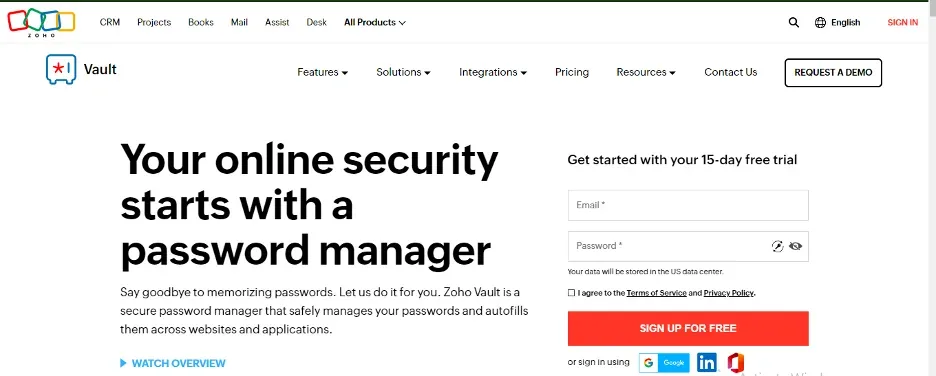
Zoho Vault shines when you need to share passwords with a team and control exactly who sees what. It also has a free personal plan.
It integrates well with other Zoho and business apps.
Zoho Vault key features
- Granular sharing controls.
- Audit logs.
- Business app integrations.
Pros
- Great for teams
- Free personal plan
- Strong admin controls
Cons
- Interface is business-oriented
- Fewer consumer extras
Our verdict: A strong pick for small teams.
12. ESET Password Manager: Best for unique password generation
ESET Password Manager
| Best for | ESET users |
| Starting price | Included in ESET Home Security plans |
| Free plan | No |
| Platforms | Windows, macOS, iOS, Android, browsers |
| Extra security | Encrypted vault, breach checks |
www.eset.com
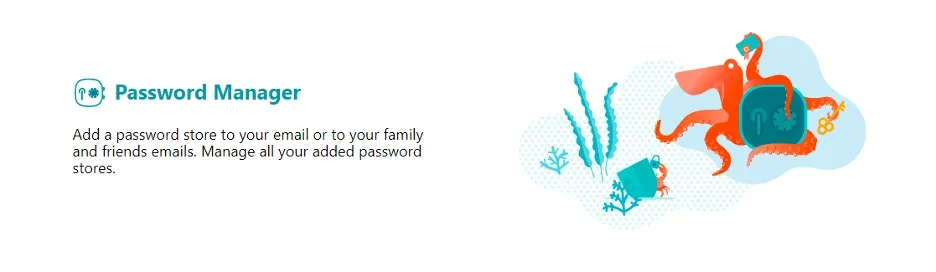
ESET Password Manager comes included with higher ESET Home Security plans. It generates strong, unique passwords and fills them across devices.
It makes most sense if you already pay for ESET’s antivirus.
ESET Password Manager key features
- Password generator.
- Cross-device sync.
- Included with ESET suites.
Pros
- Good value in the ESET bundle
- Simple
- Reliable
Cons
- Not sold separately for most users
- Fewer features
Our verdict: Use it if you already have ESET Home Security.
13. Avira Password Manager: Best for non-technical users
Avira Password Manager
| Best for | Non-technical users |
| Starting price | Free; Pro available |
| Free plan | Yes |
| Platforms | Windows, macOS, iOS, Android, browsers |
| Extra security | Encrypted vault, security status |
www.avira.com
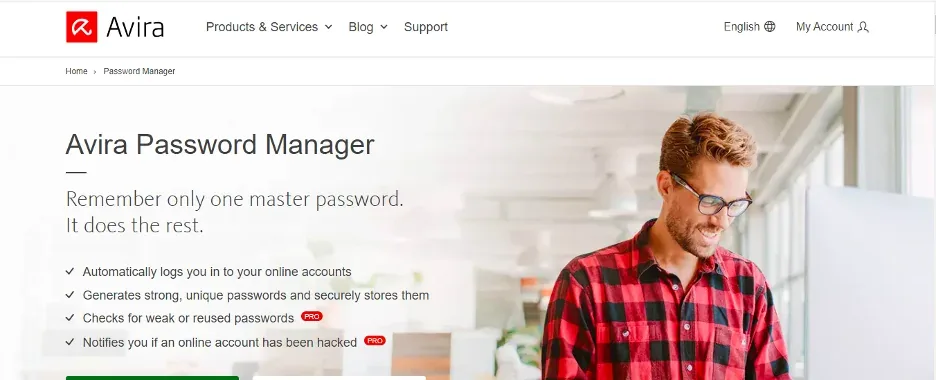
Avira Password Manager keeps things very simple, which makes it a good choice for less technical family members. The free plan covers unlimited passwords.
Pro adds security status alerts and breach checks.
Avira Password Manager key features
- Unlimited passwords on Free.
- Simple browser extension.
- Security status on Pro.
Pros
- Very easy
- Free plan
- Clean design
Cons
- Basic features
- Fewer import options
Our verdict: Great for helping less technical relatives get started.
14. LogMeOnce: Best for extras
LogMeOnce
| Best for | Extras |
| Starting price | Low monthly price |
| Free plan | Yes, with ads |
| Platforms | Windows, macOS, Linux, iOS, Android, browsers |
| Extra security | Passwordless login, photo login |
www.logmeonce.com
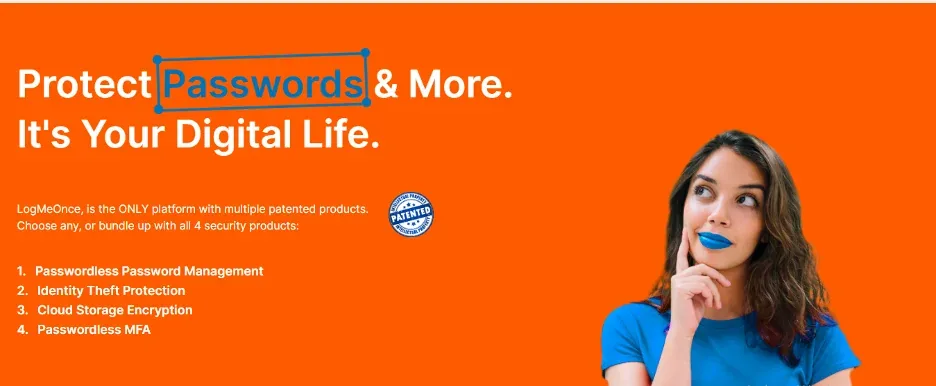
LogMeOnce packs in unusual extras, including passwordless and photo-based login, anti-theft features and encrypted file storage.
The free plan is supported by ads and the many options can feel overwhelming.
LogMeOnce key features
- Passwordless login.
- Encrypted file storage.
- Anti-theft tools.
Pros
- Lots of features
- Free plan
- Flexible login options
Cons
- Busy interface
- Ads on free plan
Our verdict: For people who want lots of extras to tinker with.
15. LastPass: Familiar option, with caveats
LastPass
| Best for | Existing users |
| Starting price | About $3/mo (Premium) |
| Free plan | Yes, one device type |
| Platforms | Windows, macOS, Linux, iOS, Android, browsers |
| Extra security | 2FA, passkeys |
www.lastpass.com
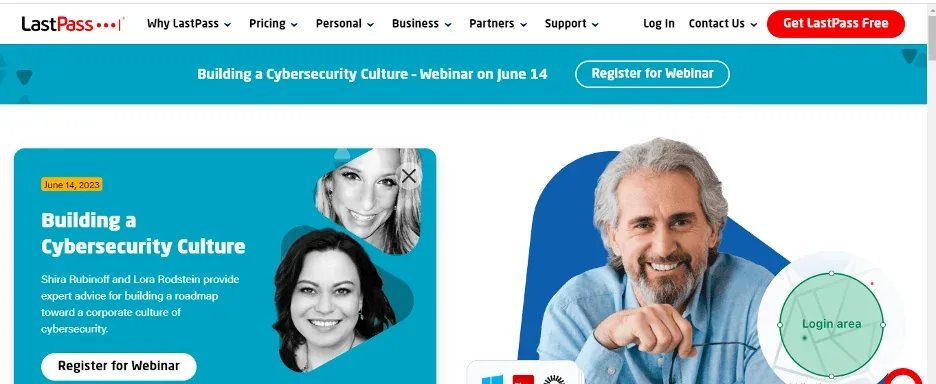
LastPass is easy to use and was once the most popular password manager. In 2022, attackers stole backups of customer vaults, and some users have since been targeted using that data.
LastPass has added security improvements, but we recommend 1Password or Bitwarden for new users. If you stay, use a long, unique master password and enable 2FA.
LastPass key features
- Easy autofill.
- Security dashboard.
- Dark web monitoring on Premium.
Pros
- Very easy to use
- Familiar
- Good apps
Cons
- 2022 vault breach
- Free plan limited to one device type
Our verdict: Fine for existing users who harden their settings, but not our pick for new users.
How to choose a password manager
- Security model: zero-knowledge encryption, independent audits and support for two-factor authentication and passkeys.
- Ease of use: reliable autofill on every browser and phone you use.
- Sharing: family or team plans if you share logins.
- Recovery: a safe way to regain access if you forget your master password.
- Price: a good free plan or a low yearly cost; avoid paying for features you will not use.
Are password managers safe?
Reputable password managers encrypt your vault on your device before it is synced, so the company cannot read it. The biggest risk is a weak master password, so make it long and unique and turn on two-factor authentication. Pair your password manager with good antivirus and a VPN on public Wi-Fi.
Looking for something specific? See our guides to the best free password managers and the best password manager for Mac.
Password manager FAQs
What is the safest password manager?
1Password, Bitwarden and Keeper all have strong security models and regular independent audits. 1Password’s Secret Key adds an extra layer most rivals lack.
What is the best free password manager?
Bitwarden. Its free plan includes unlimited passwords on unlimited devices.
Is it safe to use my browser’s password manager?
It is far better than reusing passwords, but a dedicated password manager works across every browser and device, offers secure sharing and gives better breach alerts.
What happens if I forget my master password?
Most password managers cannot reset it, because they never know it. Set up recovery options such as an emergency kit, recovery code or trusted contact as soon as you start.
Final thoughts
1Password is the best password manager for most people in 2026. Choose Bitwarden if you want the best free plan or the lowest price, NordPass if you want the simplest experience and Keeper if security credentials matter most. Whatever you choose, set a strong master password and turn on two-factor authentication.