
Best Free Parental Control Apps in 2026
Google Family Link and Apple Screen Time are the best free parental controls in 2026. Qustodio Free is the best free third-party app.
Our reviews are independent. When you buy through links on this page we may earn a commission, which never changes our rankings. Read our disclosure.
The best free parental controls in 2026 are already on your family’s devices: Google Family Link for Android and Chromebooks and Apple Screen Time for iPhone, iPad and Mac. If you need more, Qustodio Free is the best free third-party app, and several paid apps offer free trials.
Short on time? Here is the best free parental control app for most people:
Google Family Link (best free parental controls for android): it is completely free, built into Android and ChromeOS and covers app approvals, limits, bedtime and location.
Free tools handle the basics well: time limits, app approvals, content filters and location. Paid apps add detailed reports, cross-platform dashboards and alerts about messages. Details were checked in November 2026.
Quick summary of the best free parental control apps in 2026
Google Family Link
1. Google Family Link: Best free parental controls for Android
Google’s free, built-in controls for Android phones and Chromebooks.
Apple Screen Time
2. Apple Screen Time: Best free parental controls for iPhone
Free controls built into every iPhone, iPad and Mac.
Qustodio Free
3. Qustodio Free: Best free third-party app
Free plan for one device with web filtering and basic screen time.
Mobicip
4. Mobicip: Best free plan for young kids
Free basic plan with age-appropriate filtering presets.
KidLogger
5. KidLogger: Best free activity logger
Free activity logging to see how devices are being used.
See numbers 6 to 12 of the best free parental control apps
Kaspersky Safe Kids Free
6. Kaspersky Safe Kids Free: Best free plan outside the US
Generous free version, but not available in the US.
ESET Parental Control
7. ESET Parental Control: Best free basic plan for Android
Free basic Android controls from a trusted security brand.
Norton Family
8. Norton Family: Best free trial
Try full-featured supervision free for 30 days.
Bark
9. Bark: Best free trial for message monitoring
Try Bark’s AI alerts for cyberbullying and predators free for a week.
FamilyTime
10. FamilyTime: Best budget upgrade
Low-cost screen time and location after a free trial.
ClevGuard
11. ClevGuard: Most detailed monitoring (paid)
Very detailed monitoring for serious concerns; no free plan.
SentryPC
12. SentryPC: Best for family computers (trial)
Computer filtering and time limits after a free trial.
Best free parental control apps compared
How the 12 picks compare on the details that matter most.
| Product | Free option | Free limits | Platforms |
|---|---|---|---|
| Google Family Link | Yes, completely free | Fewer reports than paid apps | Android, Chromebook (parent app on iPhone too) |
| Apple Screen Time | Yes, completely free | Apple devices only | iPhone, iPad, Mac |
| Qustodio Free | Yes, free plan | One device, basic features | iOS, Android, Windows, macOS, Chromebook, Kindle |
| Mobicip | Yes, free basic plan | One device, basic filtering | iOS, Android, Windows, macOS, Chromebook, Kindle |
| KidLogger | Yes, free basic plan | Limited history and devices | Windows, macOS, Android |
| Kaspersky Safe Kids Free | Yes, free version | Basic filtering and limits | iOS, Android, Windows, macOS |
| ESET Parental Control | Yes, free basic version | Fewer features | Android |
| Norton Family | 30-day free trial | Trial only | iOS, Android, Windows |
| Bark | 7-day free trial | Trial only | iOS, Android, Windows, macOS, Chromebook |
| FamilyTime | Free trial | Trial only | iOS, Android, Kindle |
| ClevGuard | No free plan | Demo only | Android, iOS (limited) |
| SentryPC | Free trial | Trial only | Windows, macOS, Chromebook |
1. Google Family Link: Best free parental controls for Android
Google Family Link
| Free option | Yes, completely free |
| Free limits | Fewer reports than paid apps |
| Paid upgrade | None |
| Platforms | Android, Chromebook (parent app on iPhone too) |
families.google
Google Family Link is free and built into Android and ChromeOS. You can approve app downloads, set daily limits and bedtimes, filter Chrome and see your child’s location.
It is the best place to start for any Android family before paying for anything.
Google Family Link key features
- App approvals and limits.
- Bedtime and daily limits.
- Location sharing.
- SafeSearch and Chrome filtering.
Pros
- Completely free
- Built into Android
- Easy setup
Cons
- Android and ChromeOS only for kids’ devices
- Basic reports
Our verdict: Every Android family should start here.
2. Apple Screen Time: Best free parental controls for iPhone
Apple Screen Time
| Free option | Yes, completely free |
| Free limits | Apple devices only |
| Paid upgrade | None |
| Platforms | iPhone, iPad, Mac |
support.apple.com
Screen Time is built into iOS, iPadOS and macOS. It lets you set app limits, downtime, content and privacy restrictions and approve purchases with Ask to Buy, all through Family Sharing.
Pair it with Find My for location.
Apple Screen Time key features
- App limits and downtime.
- Content and privacy restrictions.
- Ask to Buy.
- Communication limits.
Pros
- Completely free
- Deeply integrated
- Hard for kids to remove
Cons
- Apple devices only
- Reports are basic
Our verdict: The free starting point for every Apple family.
3. Qustodio Free: Best free third-party app
Qustodio Free
| Free option | Yes, free plan |
| Free limits | One device, basic features |
| Paid upgrade | From about $55/yr |
| Platforms | iOS, Android, Windows, macOS, Chromebook, Kindle |
www.qustodio.com
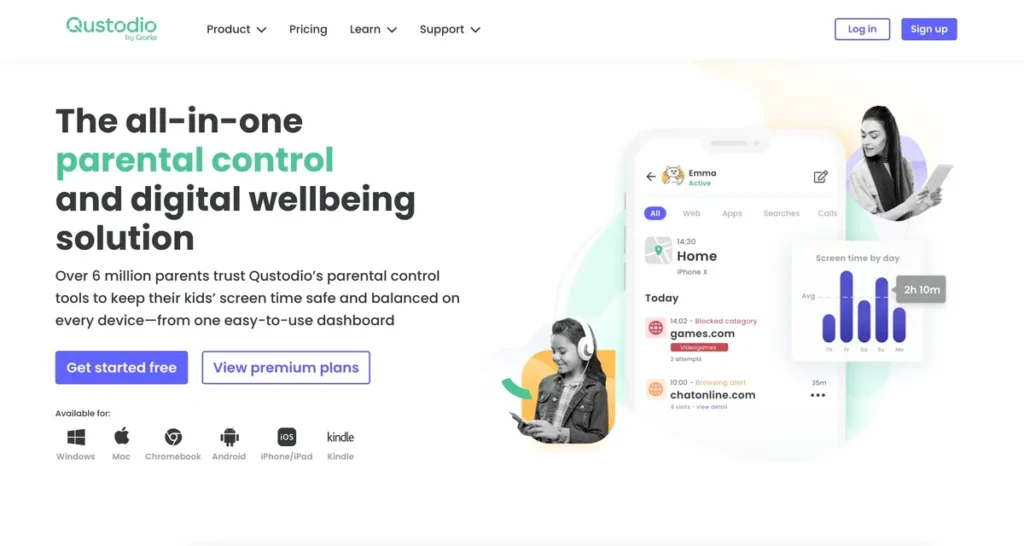
Qustodio’s free plan covers one device with web filtering, a daily time limit and activity reports, using the same easy dashboard as its paid plans.
Upgrade if you need more devices, app limits or location.
Qustodio Free key features
- Web filtering.
- Daily time limit.
- Activity summary.
Pros
- Best free third-party plan
- Works across platforms
- Easy
Cons
- One device only
- Advanced features are paid
Our verdict: The best free app if built-in tools are not enough.
4. Mobicip: Best free plan for young kids
Mobicip
| Free option | Yes, free basic plan |
| Free limits | One device, basic filtering |
| Paid upgrade | From about $50/yr |
| Platforms | iOS, Android, Windows, macOS, Chromebook, Kindle |
www.mobicip.com
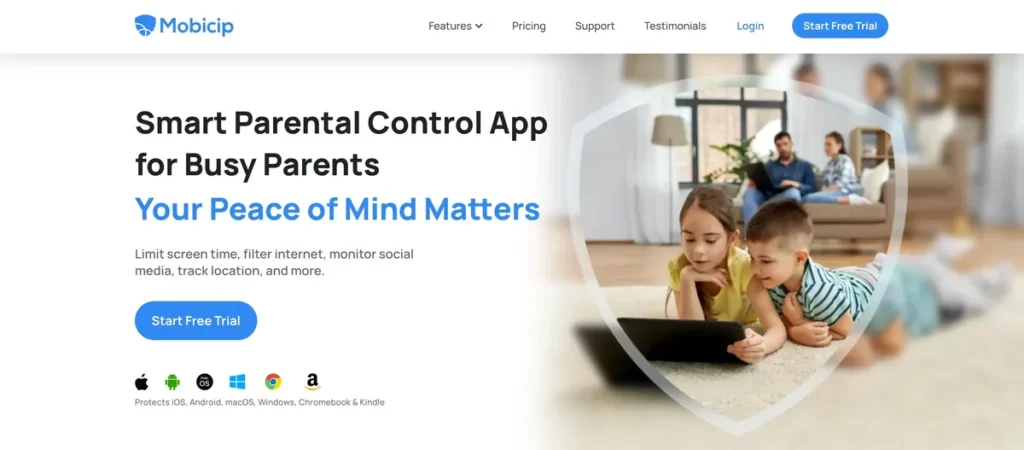
Mobicip’s free basic plan gives you age-based web filtering on one device. Premium adds app blocking, schedules and location.
Good for younger children.
Mobicip key features
- Age-based filters.
- Simple setup.
Pros
- Free basic plan
- Easy
- Good filters
Cons
- Limited free features
- One device
Our verdict: A simple free option for young kids.
5. KidLogger: Best free activity logger
KidLogger
| Free option | Yes, free basic plan |
| Free limits | Limited history and devices |
| Paid upgrade | Low yearly price |
| Platforms | Windows, macOS, Android |
kidlogger.net
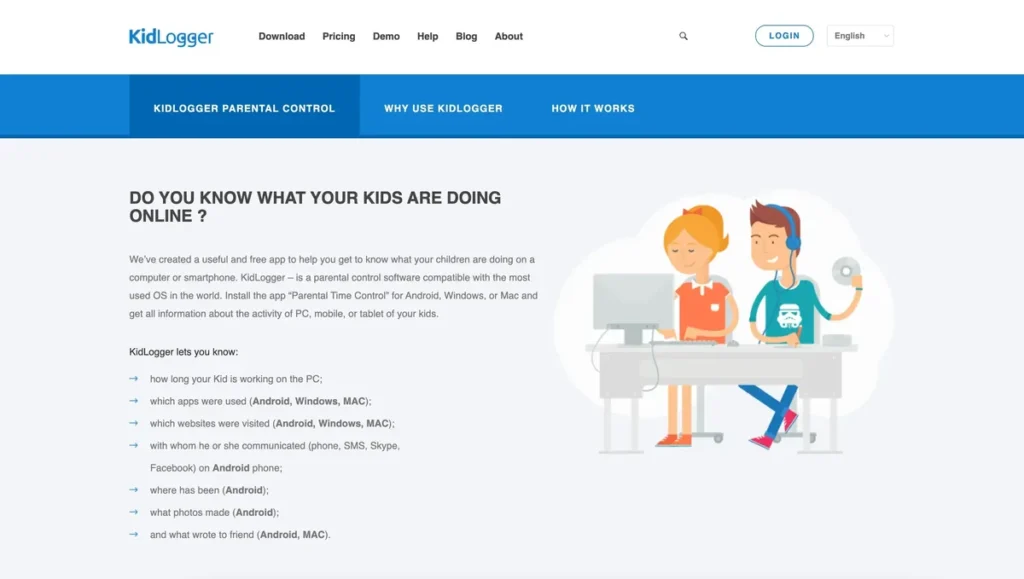
KidLogger’s free plan records app and website use and time spent, so you can see patterns before setting rules.
It focuses on logging rather than blocking.
KidLogger key features
- Activity logs.
- Time tracking.
- Website history.
Pros
- Free
- Detailed logs
Cons
- Little blocking
- Dated interface
Our verdict: Useful for understanding usage before setting limits.
6. Kaspersky Safe Kids Free: Best free plan outside the US
Kaspersky Safe Kids Free
| Free option | Yes, free version |
| Free limits | Basic filtering and limits |
| Paid upgrade | Low yearly price |
| Platforms | iOS, Android, Windows, macOS |
www.kaspersky.com
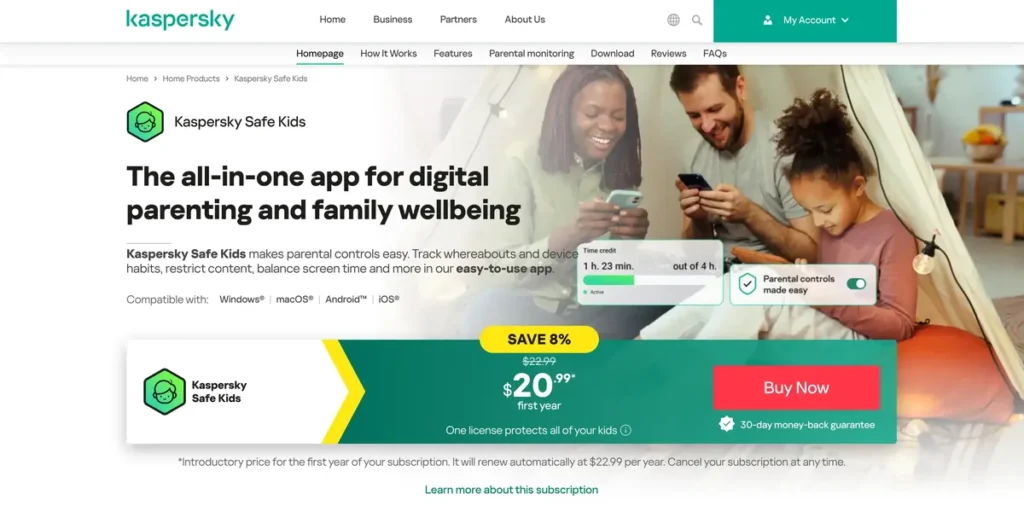
Kaspersky Safe Kids has one of the most generous free versions, with web filtering and app management. Kaspersky software cannot be sold in the US since 2024, so this is only for readers elsewhere.
Kaspersky Safe Kids Free key features
- Web filtering.
- App management.
Pros
- Generous free version
- Low-cost upgrade
Cons
- Not available in the US
Our verdict: Good value outside the US.
7. ESET Parental Control: Best free basic plan for Android
ESET Parental Control
| Free option | Yes, free basic version |
| Free limits | Fewer features |
| Paid upgrade | Premium yearly plan |
| Platforms | Android |
www.eset.com
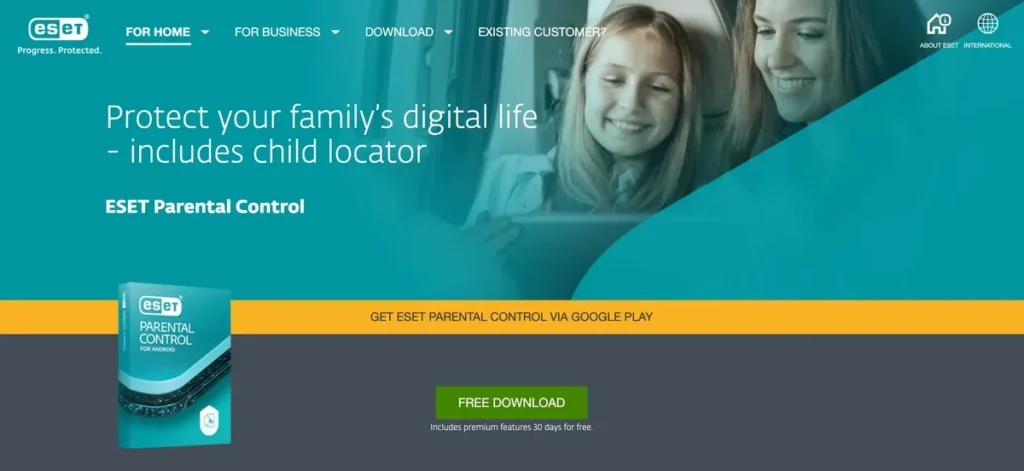
ESET Parental Control’s basic version offers app and web limits on Android, with a web portal for parents. Premium adds location and more reports.
ESET Parental Control key features
- App and web limits.
- Web portal.
Pros
- Trusted brand
- Free basic plan
Cons
- Android only
- Limited free features
Our verdict: A trustworthy free choice on Android.
8. Norton Family: Best free trial
Norton Family
| Free option | 30-day free trial |
| Free limits | Trial only |
| Paid upgrade | About $50/yr or in Norton 360 |
| Platforms | iOS, Android, Windows |
us.norton.com
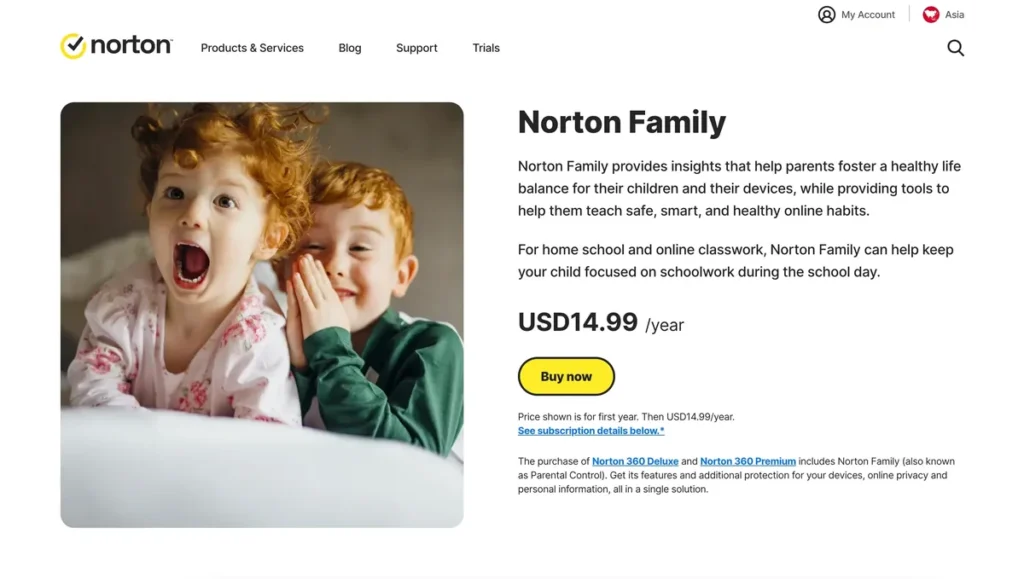
Norton Family is not free long term, but its 30-day trial gives you every feature, and it is included in Norton 360 Deluxe if you already have it.
Norton Family key features
- Web and search supervision.
- School Time.
- Unlimited devices.
Pros
- Full features in trial
- Great value afterwards
Cons
- Not free long term
- No Mac support
Our verdict: Worth trying, especially for Norton 360 users.
9. Bark: Best free trial for message monitoring
Bark
| Free option | 7-day free trial |
| Free limits | Trial only |
| Paid upgrade | Bark Jr or Premium |
| Platforms | iOS, Android, Windows, macOS, Chromebook |
www.bark.us
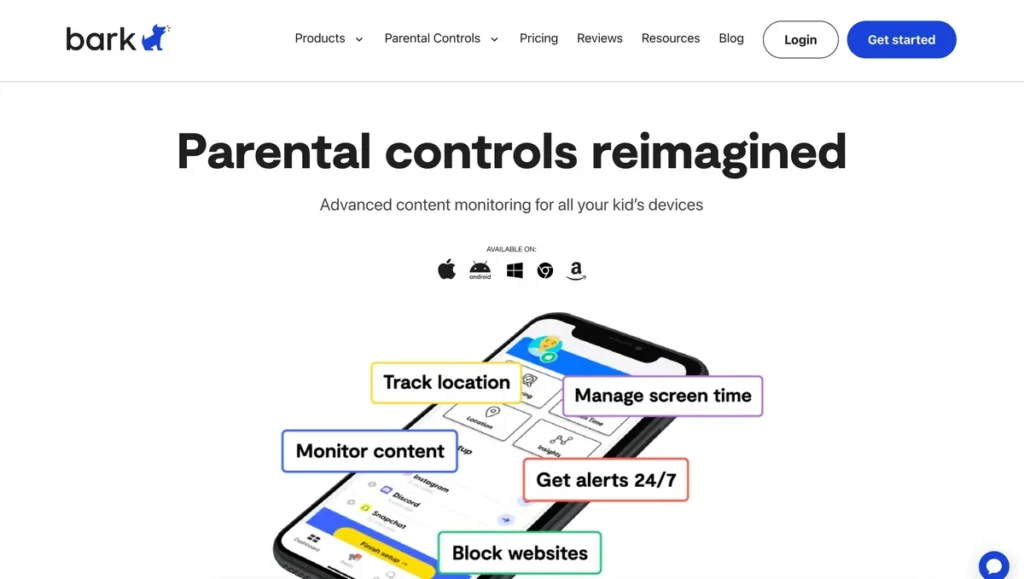
Bark’s free trial lets you test its AI monitoring of texts, email and social media before paying. Bark Jr is a cheaper plan focused on screen time and filtering.
Bark key features
- AI risk alerts.
- Unlimited devices.
Pros
- Best risk detection
- Unlimited kids
Cons
- Not free long term
Our verdict: Try it if you are worried about messages and social media.
10. FamilyTime: Best budget upgrade
FamilyTime
| Free option | Free trial |
| Free limits | Trial only |
| Paid upgrade | Low yearly price |
| Platforms | iOS, Android, Kindle |
familytime.io
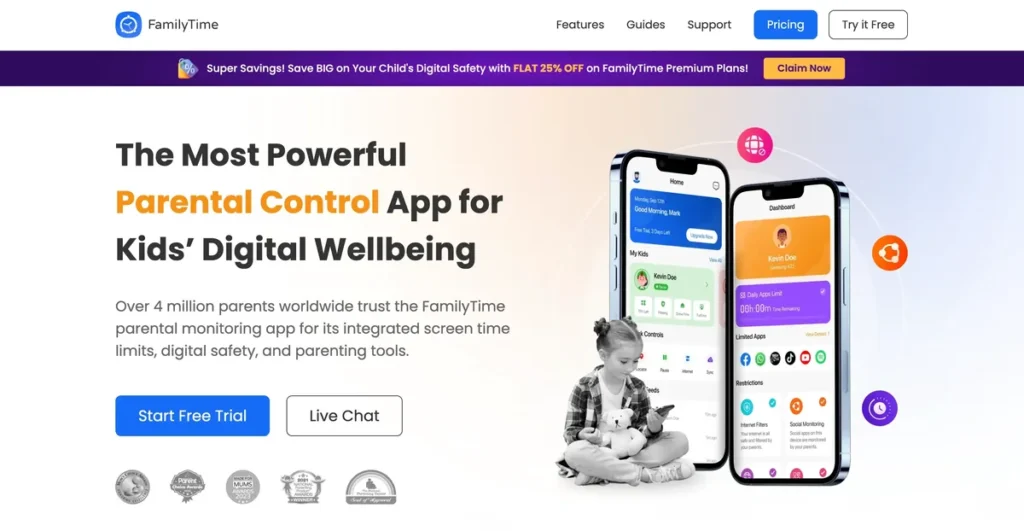
FamilyTime offers a free trial and then one of the lowest prices for screen time, app blocking, geofences and SOS alerts.
FamilyTime key features
- Screen time.
- Geofences and SOS.
Pros
- Affordable
- Good location tools
Cons
- Not free long term
- Limited desktop support
Our verdict: A cheap paid step up.
11. ClevGuard: Most detailed monitoring (paid)
ClevGuard
| Free option | No free plan |
| Free limits | Demo only |
| Paid upgrade | Monthly subscription |
| Platforms | Android, iOS (limited) |
www.clevguard.com
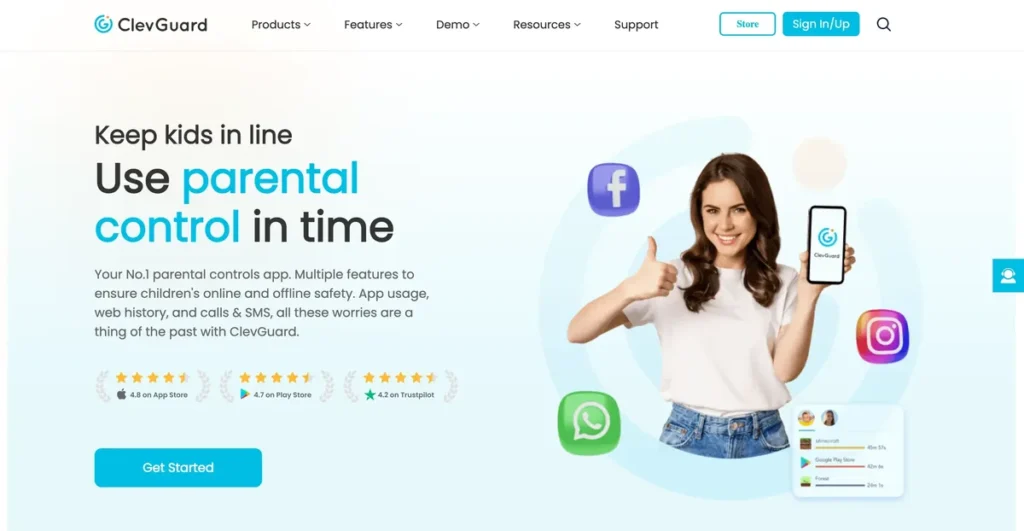
ClevGuard has no free plan and is far more intrusive than the others. Keep it for serious safety concerns, on devices you own, and talk to your child about it.
ClevGuard key features
- Message and call monitoring.
- Location history.
Pros
- Very detailed
Cons
- No free plan
- Highly intrusive
Our verdict: Only for serious safety concerns.
12. SentryPC: Best for family computers (trial)
SentryPC
| Free option | Free trial |
| Free limits | Trial only |
| Paid upgrade | About $60/yr |
| Platforms | Windows, macOS, Chromebook |
www.sentrypc.com
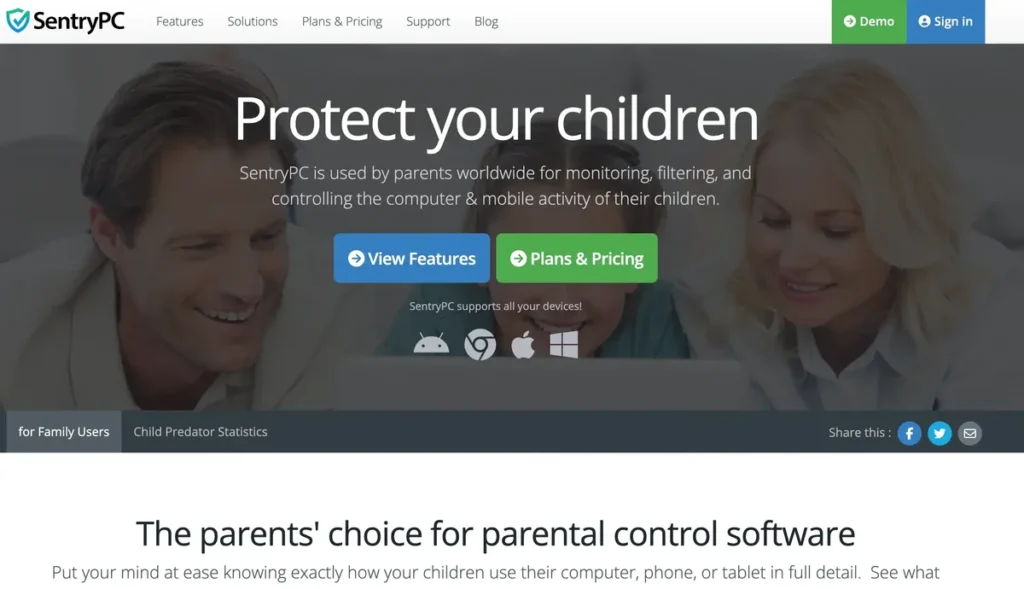
SentryPC focuses on computers, with content filtering, time schedules and activity logs. It offers a free trial.
SentryPC key features
- Content filtering.
- Time schedules.
Pros
- Strong computer controls
Cons
- No phones
- Not free long term
Our verdict: Good for a shared family PC.
Free vs paid parental controls
| Free tools | Paid apps | |
|---|---|---|
| Screen time and app limits | Yes | Yes |
| Web filtering | Basic | Advanced |
| Location | Yes (built-in tools) | Yes, with geofences |
| Message and social media alerts | No | Some apps, such as Bark |
| Cross-platform dashboard | No | Yes |
Start free, then upgrade if you need more. See our full list of the best parental control apps.
Frequently asked questions
Is there a completely free parental control app?
Yes. Google Family Link and Apple Screen Time are completely free. Qustodio and Mobicip have free plans for one device.
Can I use Family Link on an iPhone?
Parents can manage from an iPhone, but the child’s device must be Android or a Chromebook. For a child’s iPhone, use Apple Screen Time.
Are free parental control apps safe?
Built-in tools from Google and Apple and well-known apps such as Qustodio are safe. Avoid unknown free apps that ask for excessive permissions.
Final thoughts
Start with the free tools you already have: Google Family Link on Android and Apple Screen Time on Apple devices. Add Qustodio Free if you want a cross-platform dashboard, and use the free trials of Bark or Norton Family before paying.