
Best Free Antivirus for Chromebook in 2026
Chromebooks are secure by design, but Android apps and phishing still pose risks. Bitdefender Antivirus Free and Avira are the best free picks.
Our reviews are independent. When you buy through links on this page we may earn a commission, which never changes our rankings. Read our disclosure.
The best free antivirus for Chromebook in 2026 is Bitdefender Antivirus Free, a light scanner for the Android apps you install. Avira Free Security is the best free all-rounder because it adds a free browser protection extension, and AVG remains a simple free option. If you want full protection, Norton 360 is the best paid choice.
Short on time? Here is the best free Chromebook antivirus for most people:
Bitdefender Antivirus Free (best free antivirus for chromebook): the top-rated detection engine in a light, clutter-free free app for the Android apps you install.
ChromeOS is one of the most secure operating systems: it sandboxes every tab, verifies itself at every start and updates automatically. The real risks are Android apps from Google Play and phishing sites in the browser, which is what these tools help with. They run as Android apps, so your Chromebook needs Google Play support.
Quick summary of the best free antivirus apps for Chromebook in 2026

1. Bitdefender Antivirus Free: Best free antivirus for Chromebook
Light, accurate malware scanning for the Android apps you install.

2. Avira Free Security: Best free all-rounder
Free scanning plus a free Browser Safety extension and a small VPN allowance.

3. AVG AntiVirus Free: Best simple free scanner
Familiar free scanner with Wi-Fi checks and app permission insights.

4. Norton 360 for Chromebook: Best premium protection
Safe web, scam detection and a VPN alongside top malware protection.

5. TotalAV: Best for ease of use
Clean, beginner-friendly app with a free scanner and paid web shield.
See numbers 6 to 7 of the best free antivirus apps for Chromebook

6. Trend Micro: Best for phishing protection
Strong at blocking scam and phishing sites, with free browser tools.
ESET Mobile Security
7. ESET Mobile Security: Best lightweight option
Light, reliable scanning from a respected security company.
Best free antivirus apps for Chromebook compared
How the 7 picks compare on the details that matter most.
| Product | How it runs | Free version | Web protection |
|---|---|---|---|
| Bitdefender Antivirus Free | Android app from Google Play | Yes | Paid version |
| Avira Free Security | Android app plus Chrome extension | Yes | Browser Safety extension (free) |
| AVG AntiVirus Free | Android app from Google Play | Yes, with ads | Limited on Free |
| Norton 360 for Chromebook | Android app from Google Play | No, free trial | Yes, plus scam detection |
| TotalAV | Android app from Google Play | Limited free scanner | Paid version |
| Trend Micro | Android app plus Chrome extension | Free extension tools | Yes |
| ESET Mobile Security | Android app from Google Play | Yes, basic | Premium |
1. Bitdefender Antivirus Free: Best free antivirus for Chromebook
| Best for | Lightweight free scanning |
| How it runs | Android app from Google Play |
| Free version | Yes |
| Paid upgrade | Bitdefender Mobile Security |
| Web protection | Paid version |
www.bitdefender.com
Bitdefender’s free Android antivirus runs on Chromebooks that support Google Play and scans the Android apps you install, using the same detection engine that tops independent lab tests.
It is deliberately simple: no nagging tune-up tools, just scanning. Upgrade to Mobile Security for web protection and anti-phishing.
Bitdefender Antivirus Free key features
- Cloud-based malware scanning.
- Very low battery and memory use.
- On-install app checks.
Pros
- Top detection engine
- Lightweight
- No clutter
Cons
- Web protection needs the paid plan
- Few extras on Free
Our verdict: The cleanest free way to add malware scanning to a Chromebook.
2. Avira Free Security: Best free all-rounder
| Best for | Free extras |
| How it runs | Android app plus Chrome extension |
| Free version | Yes |
| Paid upgrade | Avira Prime |
| Web protection | Browser Safety extension (free) |
www.avira.com
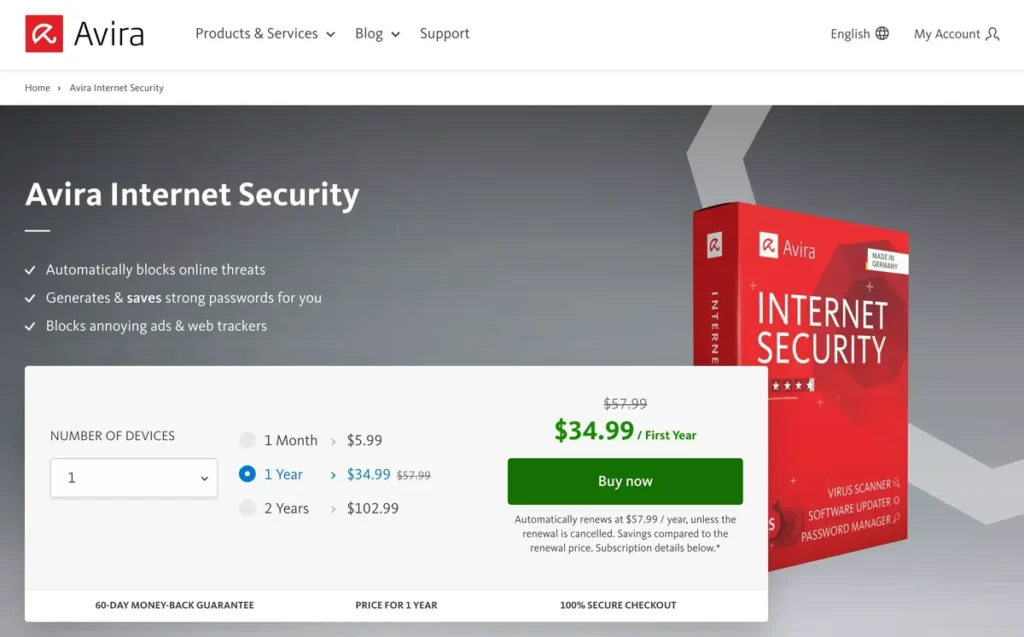
Avira gives Chromebook users two layers for free: the Android app for scanning apps and files, and the Browser Safety extension that blocks malicious and phishing sites in Chrome.
It also includes a small monthly VPN allowance and a privacy advisor.
Avira Free Security key features
- Free Browser Safety extension.
- App and file scanning.
- Free VPN allowance.
- Identity breach checks.
Pros
- Covers apps and the browser
- Generous free features
- Easy to use
Cons
- Upgrade prompts
- VPN data is limited
Our verdict: The best free choice if you want protection in the browser too.
3. AVG AntiVirus Free: Best simple free scanner
| Best for | Simple scanning |
| How it runs | Android app from Google Play |
| Free version | Yes, with ads |
| Paid upgrade | AVG Pro |
| Web protection | Limited on Free |
www.avg.com
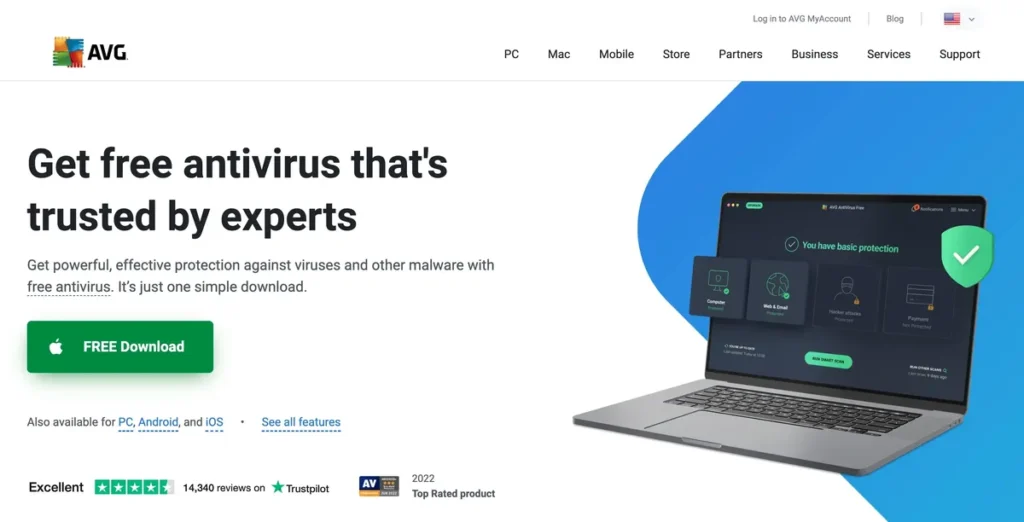
AVG was our top free pick before and it remains a solid option. It scans apps and files, checks Wi-Fi networks for weaknesses and shows which apps use sensitive permissions.
The free version shows ads, which some people find distracting.
AVG AntiVirus Free key features
- App and file scanning.
- Wi-Fi security scan.
- App permission advisor.
Pros
- Easy to use
- Useful privacy insights
- Reliable engine
Cons
- Ads in the free version
- Upgrade prompts
Our verdict: A good, simple free scanner if you do not mind ads.
4. Norton 360 for Chromebook: Best premium protection
| Best for | Full protection |
| How it runs | Android app from Google Play |
| Free version | No, free trial |
| Paid upgrade | Norton 360 plans |
| Web protection | Yes, plus scam detection |
us.norton.com
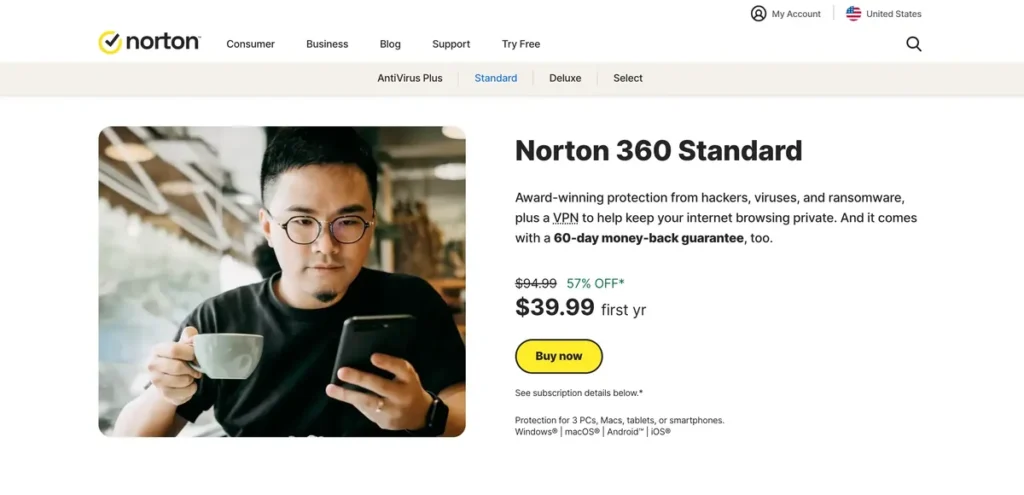
If you want more than a free scanner, Norton 360 adds web protection, scam text and email detection and an unlimited VPN, all usable on Chromebooks that run Android apps.
It suits families who share one subscription across several devices.
Norton 360 for Chromebook key features
- Safe Web blocking.
- Scam detection.
- Unlimited VPN.
- Dark web monitoring.
Pros
- Most complete protection
- Covers every device type
- Long refund window
Cons
- Not free
- Higher renewal price
Our verdict: Best if you want full protection rather than a basic scanner.
5. TotalAV: Best for ease of use
| Best for | Beginners |
| How it runs | Android app from Google Play |
| Free version | Limited free scanner |
| Paid upgrade | TotalAV Antivirus Pro |
| Web protection | Paid version |
www.totalav.com
TotalAV’s Android app is easy to understand and includes a free malware scanner. Paid plans add real-time protection and a web shield.
Watch the renewal price on paid plans, which rises after the first year.
TotalAV key features
- Free malware scan.
- Simple interface.
- Web shield on paid plans.
Pros
- Very easy to use
- Clean design
- Low first-year price
Cons
- Real-time protection is paid
- Upsells
Our verdict: Good for less technical users.
6. Trend Micro: Best for phishing protection
| Best for | Web and scam protection |
| How it runs | Android app plus Chrome extension |
| Free version | Free extension tools |
| Paid upgrade | Trend Micro Mobile Security |
| Web protection | Yes |
www.trendmicro.com
Trend Micro is especially good at blocking dangerous and scam websites. Its free browser tools add useful protection in Chrome, and the paid mobile app covers Android apps.
It is a smart choice if your main risk is phishing rather than malicious apps.
Trend Micro key features
- Web threat protection.
- Scam and phishing checks.
- App scanning on paid plans.
Pros
- Excellent web protection
- Free browser tools
- Trusted vendor
Cons
- Full app scanning is paid
- Occasional false positives
Our verdict: Great if phishing is your biggest worry.
7. ESET Mobile Security: Best lightweight option
ESET Mobile Security
| Best for | Low resource use |
| How it runs | Android app from Google Play |
| Free version | Yes, basic |
| Paid upgrade | ESET Mobile Security Premium |
| Web protection | Premium |
www.eset.com
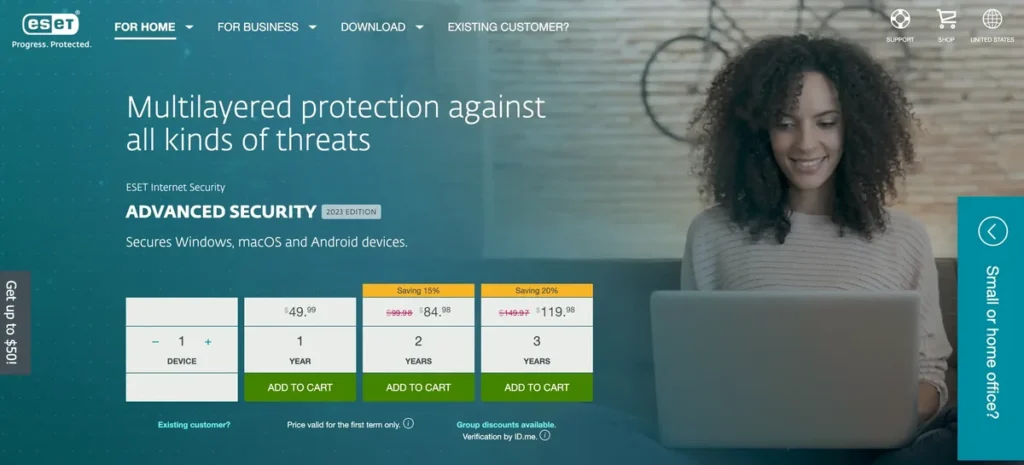
ESET’s free Android tier offers reliable on-demand and real-time scanning with very little impact on battery or memory. Premium adds anti-phishing and payment protection.
It is a dependable, no-drama option.
ESET Mobile Security key features
- Real-time scanning.
- Low resource use.
- Anti-phishing in Premium.
Pros
- Lightweight
- Reliable
- Respected vendor
Cons
- Best features are paid
- Plain interface
Our verdict: A lightweight choice for older Chromebooks.
Do Chromebooks need antivirus?
Not in the traditional sense. ChromeOS itself is very hard for malware to infect. You benefit from extra protection if you install many Android apps, sideload apps, or want help spotting phishing and scam sites. Keeping ChromeOS updated and only installing apps from Google Play does most of the work.
How to install antivirus on a Chromebook
- Open Settings, then Apps, and make sure Google Play Store is turned on.
- Open the Play Store and search for the antivirus, for example Bitdefender Antivirus Free.
- Select Install and wait for it to finish.
- Open the app, grant the permissions it asks for and run the first scan.
- Optional: add the vendor’s browser extension, such as Avira Browser Safety, from the Chrome Web Store.
Free vs paid Chromebook antivirus
| Free antivirus | Paid antivirus | |
|---|---|---|
| App scanning | Yes | Yes |
| Real-time protection | Sometimes | Yes |
| Phishing and web protection | Limited | Yes |
| Ads or upgrade prompts | Often | No |
| Support | Self-help | Customer support |
For most Chromebook owners a good free app is enough. If you want protection across Windows, Mac and phones too, see our full list of the best antivirus software.
Frequently asked questions
Can Chromebooks get viruses?
Traditional viruses are extremely rare on ChromeOS. Malicious Android apps, browser extensions and phishing sites are the main risks.
Is Google’s built-in protection enough?
For careful users, ChromeOS updates, Google Play Protect and Chrome’s Safe Browsing cover a lot. Antivirus adds a second opinion on apps and extra phishing protection.
Will antivirus slow down my Chromebook?
Lightweight apps such as Bitdefender Free and ESET have very little impact. Avoid installing more than one.
Final thoughts
Start with Bitdefender Antivirus Free or Avira Free Security for free protection, keep ChromeOS updated, and only install apps from Google Play. Upgrade to Norton 360 if you want web protection, scam detection and a VPN across all your devices.