
Best Password Manager for Mac in 2026
1Password is the best password manager for Mac, with Touch ID, Safari integration and passkeys. Bitwarden is the best free option for Mac users.
Our reviews are independent. When you buy through links on this page we may earn a commission, which never changes our rankings. Read our disclosure.
The best password manager for Mac in 2026 is 1Password, with a native app, Touch ID and Apple Watch unlock and excellent Safari and passkey support. Bitwarden is the best free option, NordPass is the easiest, and Keeper is best for security.
Short on time? Here is the best password manager for Mac for most people:
1Password (best password manager for mac): a native Mac app with Touch ID and Apple Watch unlock, Safari integration and passkeys.
Apple’s built-in Passwords app (added in macOS Sequoia) is a good free option if you only use Apple devices. A dedicated password manager is better if you also use Windows, Android or Chrome, or want family sharing and breach alerts. Details were checked in November 2026.
Quick summary of the best password managers for Mac in 2026

1. 1Password: Best password manager for Mac
The most Mac-like app, with Touch ID unlock, Safari integration and passkeys.
Bitwarden
2. Bitwarden: Best free password manager for Mac
Free unlimited passwords on Mac, iPhone and every other device.

3. NordPass: Easiest password manager for Mac
Simple, modern app with passkeys and breach scanning on Premium.
Keeper
4. Keeper: Best for security on Mac
Zero-knowledge security and fast native apps across Apple devices.

5. Norton Password Manager: Best completely free basic option
Free password manager that works in Safari, Chrome and Firefox on Mac.
See numbers 6 to 9 of the best password managers for Mac
KeePassXC (KeePass)
6. KeePassXC (KeePass): Best offline password manager for Mac
Free, open-source KeePass-compatible app for Mac with a local vault.

7. Bitdefender Password Manager: Best budget paid option
Simple and inexpensive, with breach reports.
LogMeOnce
Feature-packed with passwordless login options.
Avira Password Manager
9. Avira Password Manager: Best for non-technical Mac users
Very simple free option for less technical users.
Best password managers for Mac compared
How the 9 picks compare on the details that matter most.
| Product | Starting price | Mac app | Free plan |
|---|---|---|---|
| 1Password | About $3/mo (yearly) | Native Mac app, Touch ID, Apple Watch | No, 14-day trial |
| Bitwarden | Free; low-cost Premium | Native Mac app, Touch ID | Yes, unlimited |
| NordPass | Premium from about $2/mo | Native Mac app | Yes, one active device |
| Keeper | About $3/mo (yearly) | Native Mac app, Touch ID | Limited |
| Norton Password Manager | Free | Browser extension | Yes, fully free |
| KeePassXC (KeePass) | Free and open source | Native Mac app | Yes, fully free |
| Bitdefender Password Manager | Low yearly price | Browser extension and apps | No, trial |
| LogMeOnce | Low monthly price | Browser extension | Yes, with ads |
| Avira Password Manager | Free; Pro available | Browser extension | Yes |
1. 1Password: Best password manager for Mac
| Best for | Most Mac users |
| Starting price | About $3/mo (yearly) |
| Mac app | Native Mac app, Touch ID, Apple Watch |
| iPhone and iPad | Yes |
| Free plan | No, 14-day trial |
1password.com
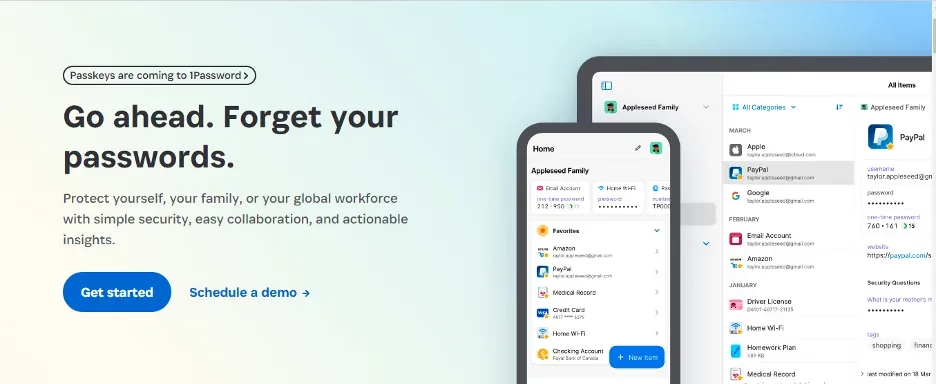
1Password feels at home on a Mac. The native app supports Touch ID and Apple Watch unlock, integrates neatly with Safari and syncs passkeys across your Apple devices.
Watchtower alerts you to weak or breached passwords, and the family plan is excellent for shared Apple households.
1Password key features
- Touch ID and Apple Watch unlock.
- Safari extension and passkeys.
- Watchtower alerts.
- Travel Mode.
Pros
- Best Mac experience
- Excellent security
- Great family plan
Cons
- No free plan
- Higher price than Bitwarden
Our verdict: The best overall choice for Mac users.
2. Bitwarden: Best free password manager for Mac
Bitwarden
| Best for | Free and budget users |
| Starting price | Free; low-cost Premium |
| Mac app | Native Mac app, Touch ID |
| iPhone and iPad | Yes |
| Free plan | Yes, unlimited |
bitwarden.com
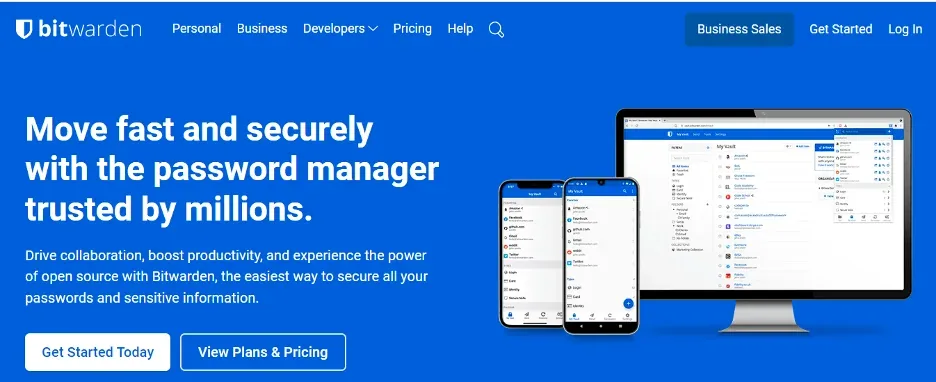
Bitwarden’s Mac app and Safari extension cover everything most people need, free. It syncs unlimited passwords across unlimited devices and supports Touch ID unlock.
Premium is optional and very inexpensive.
Bitwarden key features
- Unlimited free passwords and devices.
- Touch ID unlock.
- Open-source and audited.
Pros
- Best free plan
- Cross-platform
- Transparent
Cons
- Less polished than 1Password
- Safari autofill can need an extra click
Our verdict: The best free choice for Mac.
3. NordPass: Easiest password manager for Mac
| Best for | Beginners |
| Starting price | Premium from about $2/mo |
| Mac app | Native Mac app |
| iPhone and iPad | Yes |
| Free plan | Yes, one active device |
nordpass.com
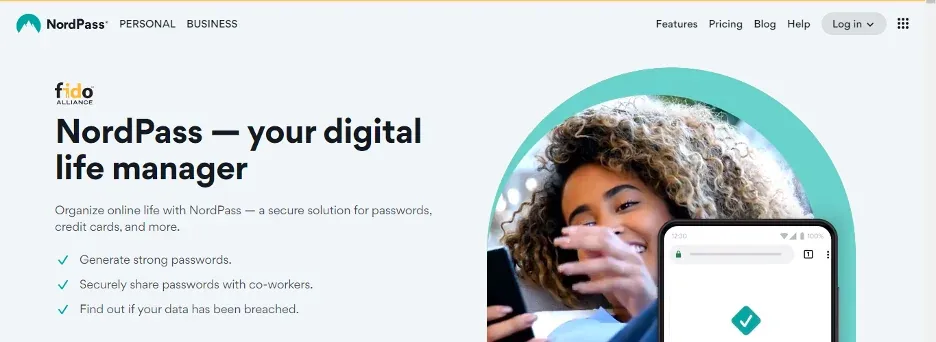
NordPass has a clean Mac app that is very easy to learn. Premium adds multi-device sync, breach scanning and email masking.
The free plan works, but only one device can be active at a time.
NordPass key features
- Clean Mac app.
- Passkey support.
- Data Breach Scanner on Premium.
Pros
- Very easy
- Modern encryption
- Affordable
Cons
- Free plan is one device at a time
- Fewer power features
Our verdict: Best for beginners on Mac.
4. Keeper: Best for security on Mac
Keeper
| Best for | Security-focused users |
| Starting price | About $3/mo (yearly) |
| Mac app | Native Mac app, Touch ID |
| iPhone and iPad | Yes |
| Free plan | Limited |
www.keepersecurity.com
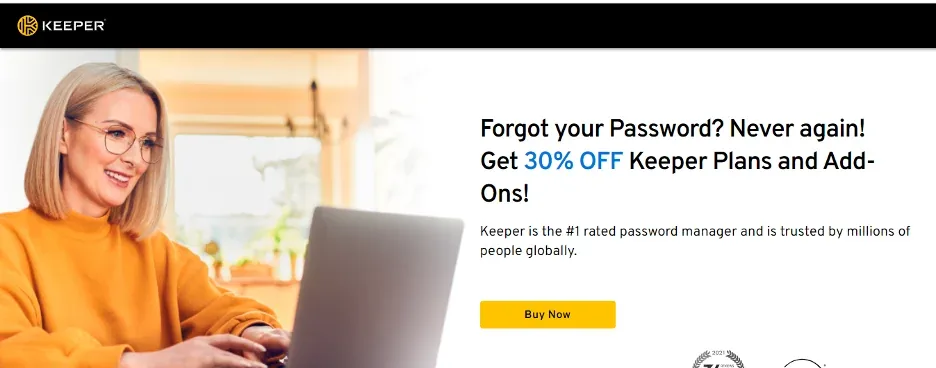
Keeper’s Mac app is fast and its zero-knowledge security model is among the strongest available. It supports Touch ID and syncs reliably with iPhone and iPad.
Add-ons such as encrypted file storage cost extra.
Keeper key features
- Zero-knowledge encryption.
- Touch ID.
- BreachWatch.
Pros
- Strong security
- Fast app
- Reliable sync
Cons
- Add-ons extra
- Limited free plan
Our verdict: For Mac users who put security first.
5. Norton Password Manager: Best completely free basic option
| Best for | Free basics |
| Starting price | Free |
| Mac app | Browser extension |
| iPhone and iPad | Yes |
| Free plan | Yes, fully free |
us.norton.com
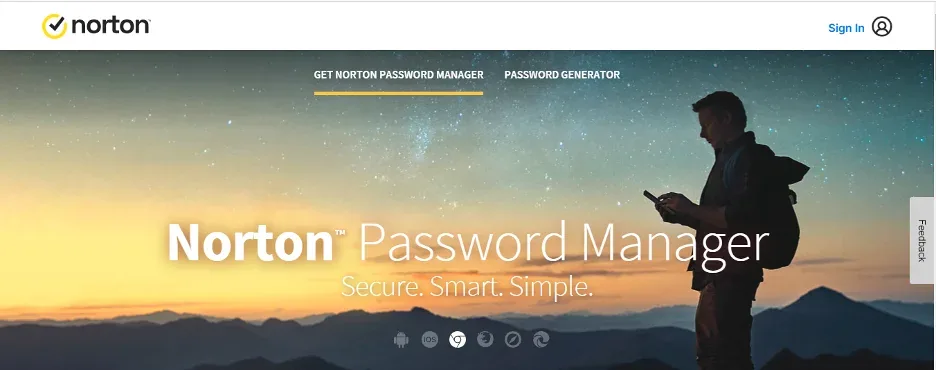
Norton Password Manager is free and works through browser extensions on Mac plus iPhone apps. It covers the basics well.
There is no dedicated Mac app, so it lives in your browser.
Norton Password Manager key features
- Free.
- Safety dashboard.
- iPhone app.
Pros
- Totally free
- Simple
- Trusted brand
Cons
- No native Mac app
- Basic features
Our verdict: A simple free option.
6. KeePassXC (KeePass): Best offline password manager for Mac
KeePassXC (KeePass)
| Best for | Offline control |
| Starting price | Free and open source |
| Mac app | Native Mac app |
| iPhone and iPad | Via compatible apps |
| Free plan | Yes, fully free |
keepassxc.org
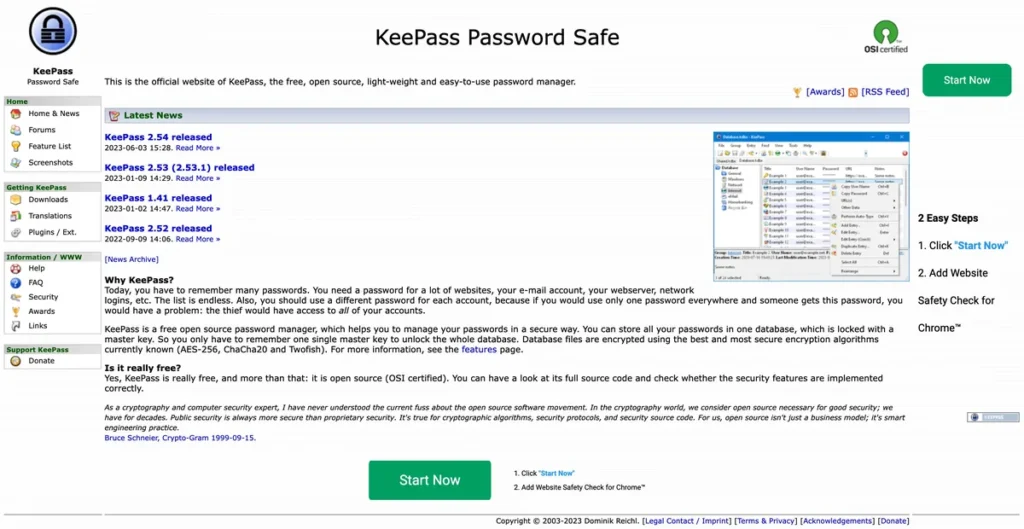
KeePass itself is a Windows app, but KeePassXC brings the same free, open-source vault format to the Mac. Your database stays local, and you choose how to sync it.
Use a KeePass-compatible app on iPhone to access the same vault.
KeePassXC (KeePass) key features
- Local encrypted vault.
- Browser integration.
- Open source.
Pros
- Free
- Full control
- No cloud required
Cons
- Manual sync
- More setup
Our verdict: Best for technical Mac users who want no cloud at all.
7. Bitdefender Password Manager: Best budget paid option
| Best for | Budget paid users |
| Starting price | Low yearly price |
| Mac app | Browser extension and apps |
| iPhone and iPad | Yes |
| Free plan | No, trial |
www.bitdefender.com
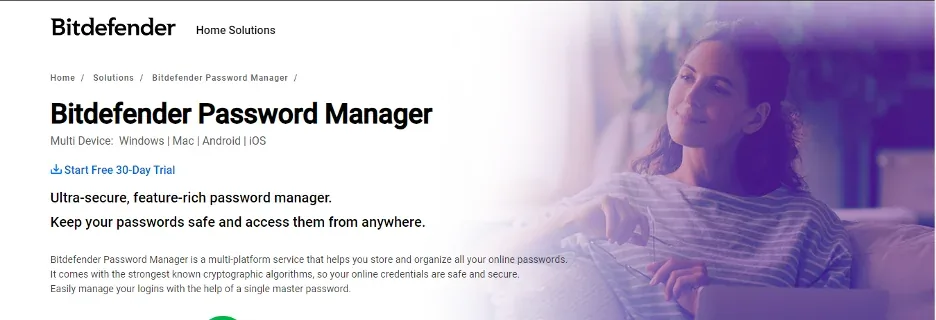
Bitdefender Password Manager is affordable and simple. It works on Mac through browser extensions and has iPhone apps.
It suits people who already use Bitdefender security.
Bitdefender Password Manager key features
- Breach and strength reports.
- Cross-device sync.
Pros
- Low price
- Easy
- Trusted brand
Cons
- No native Mac app
- Fewer features
Our verdict: A budget paid option.
8. LogMeOnce: Best for extras
LogMeOnce
| Best for | Extras |
| Starting price | Low monthly price |
| Mac app | Browser extension |
| iPhone and iPad | Yes |
| Free plan | Yes, with ads |
www.logmeonce.com

LogMeOnce offers many extras, including passwordless login. On Mac it works mainly through the browser.
The free plan includes ads.
LogMeOnce key features
- Passwordless login.
- Encrypted storage.
Pros
- Many features
- Free plan
Cons
- Busy interface
- Ads
Our verdict: For people who want lots of options.
9. Avira Password Manager: Best for non-technical Mac users
Avira Password Manager
| Best for | Simplicity |
| Starting price | Free; Pro available |
| Mac app | Browser extension |
| iPhone and iPad | Yes |
| Free plan | Yes |
www.avira.com
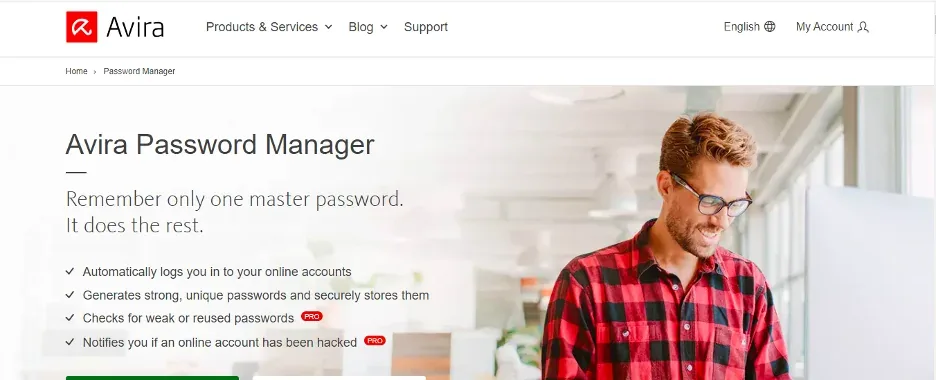
Avira Password Manager is simple and free, working through browser extensions on Mac and apps on iPhone.
Pro adds security alerts.
Avira Password Manager key features
- Unlimited passwords.
- Simple extension.
Pros
- Easy
- Free
Cons
- Basic
- No native Mac app
Our verdict: Good for relatives who want something simple.
Apple Passwords vs a dedicated password manager
| Apple Passwords | Dedicated password manager | |
|---|---|---|
| Cost | Free | Free to about $3 a month |
| Works on Windows and Android | Limited (Windows via iCloud) | Yes |
| Breach alerts | Basic | Detailed |
| Family sharing | Shared groups | Full family plans |
| Secure notes and files | Limited | Yes |
If every device you own is made by Apple, Apple Passwords is a fine free start. If not, choose 1Password or Bitwarden.
How to set up a password manager on your Mac
- Download the Mac app from the provider’s website or the Mac App Store.
- Create your account and a long, unique master password.
- Enable Touch ID unlock in the app’s settings.
- Install the Safari or Chrome extension.
- Import passwords from Safari or Chrome, then delete them from the browser to avoid duplicates.
- Install the iPhone app and sign in to sync.
Compare more options in our full list of the best password managers and the best free password managers.
Frequently asked questions
Is Apple Passwords good enough?
For people who only use Apple devices, yes. A dedicated password manager is better for mixed devices, family sharing and detailed breach alerts.
What is the best free password manager for Mac?
Bitwarden. It has a native Mac app and unlimited free passwords and devices.
Do Mac password managers support passkeys?
Yes. 1Password, Bitwarden, NordPass and Keeper all support passkeys on macOS.
Final thoughts
1Password is the best password manager for Mac in 2026. Choose Bitwarden for a free option, NordPass for simplicity, or Apple Passwords if you only use Apple devices.